A Salesforce renewal often looks like a procurement negotiation. In mature enterprises, it is actually an architecture decision in disguise. Years of custom objects, Apex code, Flow automation, managed packages, permission matrices, and undocumented workarounds transform standard CRMs into complex bespoke operating engines.
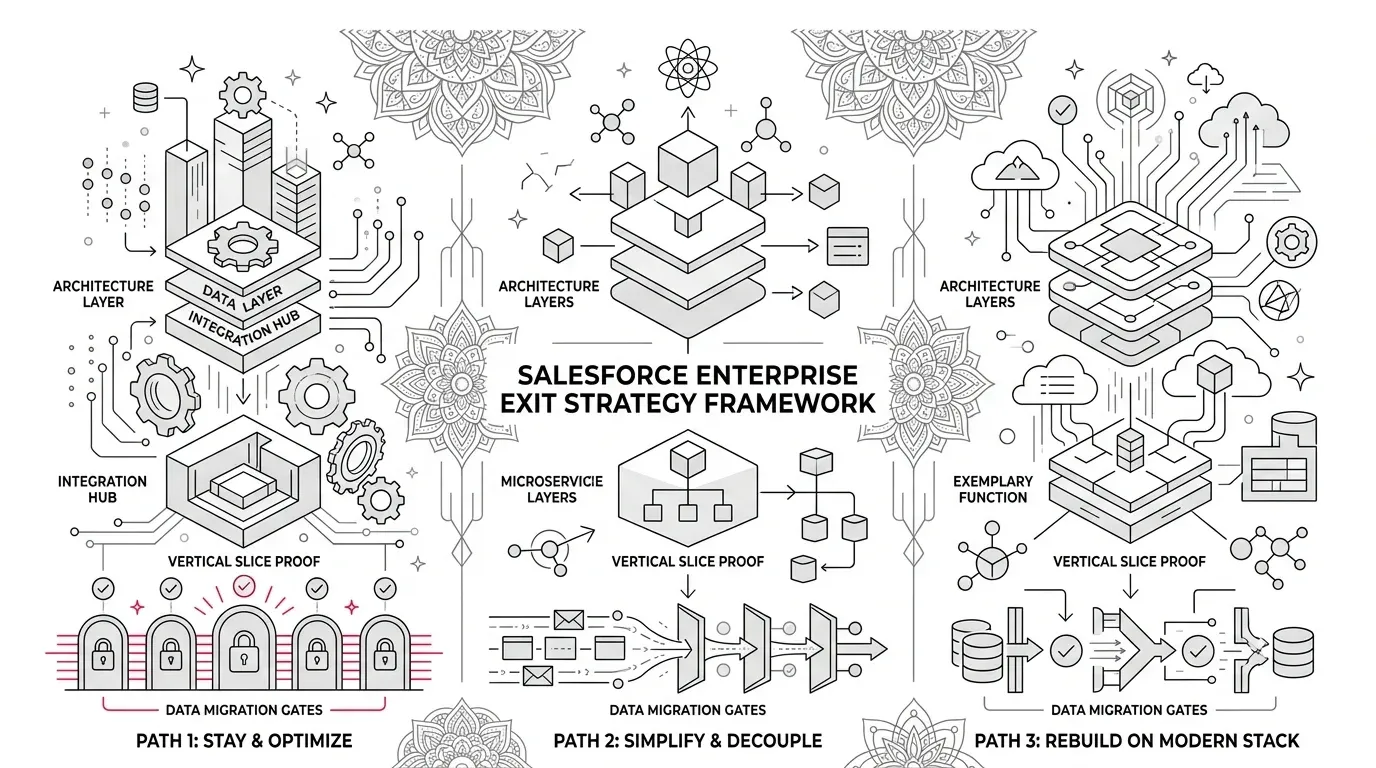
Core Architectural Principle: The right executive question is not "How fast can we leave?" It is "Which path creates the best operating model for the next three years: stay and optimize, simplify and decouple, or rebuild on a modern stack?"
Salesforce announced streamlined Core, Advanced, and Max editions for Agentforce Sales, Service, and Industries. While pricing for legacy editions remains unchanged, this lifecycle shift provides a strategic trigger to evaluate enterprise CRM total cost of ownership (TCO) and architecture agility.
Diagnosing the Real Problem: Four Dimensions of CRM Friction
Organizations frequently collapse distinct operational issues into a single complaint: "Salesforce is too expensive." Effective governance requires isolating the true root cause:
- 1. Platform Fit: Does your core business derive competitive advantage from standard CRM ecosystem features, or is Salesforce acting as an expensive relational database?
- 2. License & Edition Fit: Are user tiers, add-ons, sandboxes, and API credits aligned with actual runtime utilization?
- 3. Implementation Debt: Have overlapping Flow automations, retired Workflow Rules, and obsolete custom fields made releases fragile?
- 4. Operating Model Debt: Does every minor workflow modification require scarce certified developers and months of change-board overhead?
Treat Salesforce as a Full Application, Not Just a Data Export
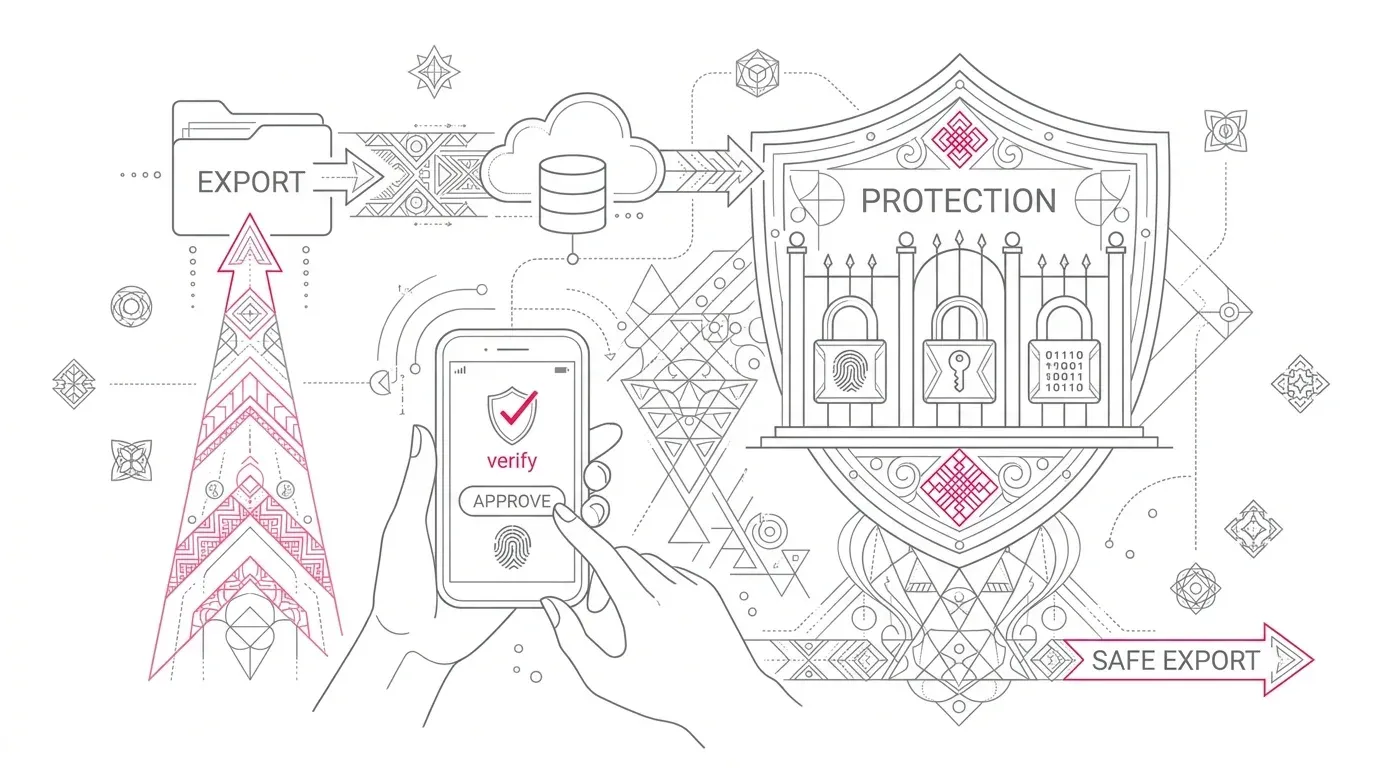
Exporting CSV records through the Data Export Service does not equal capturing an application architecture. Formula fields, roll-up summaries, and validation logic are excluded from raw database backups.
Enterprise discovery must systematically inventory eight architectural layers before any migration decision:
| Architecture Layer | Components to Audit | Migration Risk Focus |
|---|---|---|
| 1. Data Layer | Standard/custom objects, relationships, file attachments, retention policies | Preserving referential integrity, historical audit logs, and external IDs |
| 2. Business Logic | Apex classes/triggers, Flows, validation rules, approval processes | Deconstructing undocumented formulas and automated state transitions |
| 3. User Journeys | Page layouts, lightning components, mobile apps, queue routing | Replicating persona-specific operational workflows and accessibility standards |
| 4. Security & Access | Profiles, permission sets, sharing rules, field-level security (FLS) | Re-architecting least-privilege RBAC and sensitive data encryption |
| 5. Integrations | REST/SOAP endpoints, middleware (MuleSoft/Boomi), webhooks, event buses | Contract compatibility, payload schemas, rate limits, and error handling |
| 6. AppExchange Packages | Managed/unmanaged packages, ISV data structures, licensing | Identifying custom vendor dependencies and replacement alternatives |
| 7. Reporting & Analytics | Operational dashboards, executive KPIs, automated exports | Preserving metric definitions and regulatory reporting pipelines |
| 8. Tacit Operations | Manual spreadsheets, email approvals, off-platform user workarounds | Capturing tribal business knowledge not encoded in metadata |
Evaluating the Three Strategic Paths
Path 1: Stay and Optimize
Choose this path when standard CRM and customer-service capabilities dominate, internal developer talent is established, and the operational risk of replatforming exceeds achievable license savings. Right-size licenses, refactor legacy automations into standard Flows, and decommission unused packages.
Path 2: Simplify and Decouple (Hybrid Core)
Keep Salesforce for standard account and contact management, but carve out specialized heavy operations (complex rating, billing, custom portals, document generation) into modern microservices or event-driven backends behind clean API boundaries.
Path 3: Purpose-Built Rebuild
Rebuild when the Salesforce org functions primarily as a bespoke line-of-business application where Salesforce licensing imposes arbitrary constraints without ecosystem benefits. Modern cloud-native stacks (Next.js, FastAPI/Go, Postgres, Serverless) can yield greater autonomy and agility, provided the enterprise funds long-term product ownership.
A Structured 90-Day Exit Evaluation Roadmap
Follow the Strangler Fig architectural pattern to prove viability through a vertical slice before committing to broad migrations:
- Days 1-15 (Fact Base & Dependency Audit): Inventory the 8 architecture layers, calculate total cost of ownership, and document release cycle bottlenecks.
- Days 16-30 (Boundary Definition): Classify core CRM vs. custom operations, score the 3 strategic paths, and select one bounded workflow for proof-of-concept.
- Days 31-60 (Vertical Slice Proof): Build an end-to-end working proof for the selected workflow with live data schemas, authentication, and integration contracts.
- Days 61-75 (Controlled Validation): Reconcile data fidelity, behavioral parity, role permissions, and user acceptance testing against the Salesforce baseline.
- Days 76-90 (Executive Roadmap): Present empirical cost, performance, and risk findings to stakeholders with a definitive stay, simplify, or rebuild roadmap.
Eight Non-Negotiable Cutover Gates
- 1. Data Fidelity: Reconciling row counts, parent-child relationships, attachments, and field audit trails.
- 2. Behavioral Parity: Verifying validation rules, multi-step approval gates, and automated escalations match expected outcomes.
- 3. Integration Integrity: Testing bi-directional API contracts, idempotency, retry mechanisms, and rate limits.
- 4. Security & Privacy: Validating role-based access, segregation of duties, and regulatory compliance (GDPR/HIPAA).
- 5. Reporting Continuity: Reproducing operational dashboards and board-level metric calculations.
- 6. Operational Readiness: Establishing CI/CD pipelines, automated monitoring, backup runbooks, and disaster recovery.
- 7. User Readiness: Conducting task-based UAT with front-line users across mobile and desktop workflows.
- 8. Rollback Protocols: Maintaining dual-run synchronization and definitive rollback procedures during transition windows.
Accelerate Salesforce Modernization with YuniQ
YuniQ leverages AI-assisted legacy reverse engineering and enterprise architecture frameworks to discover, simplify, or rebuild complex Salesforce applications on modern tech stacks.
Explore AI-Driven Enterprise ModernizationFrequently Asked Questions
How long does a complete Salesforce exit migration take?
There is no single universal timeline. Simple CRMs can migrate in 3 to 6 months, while complex multi-decade orgs with extensive custom Apex and integrations require phased multi-wave execution over 9 to 18 months.
Can we migrate to a custom application without losing data history?
Yes. By systematically extracting relational data, files, and field history logs into modern databases (Postgres, Cloud Data Warehouses) and mapping business logic into decoupled services, historical data and auditability are preserved.
When should an enterprise begin a Salesforce exit assessment?
Assessments should begin at least 9 to 12 months prior to major enterprise renewal dates to ensure sufficient runway for discovery, proof-of-concept vertical slices, and vendor negotiations.