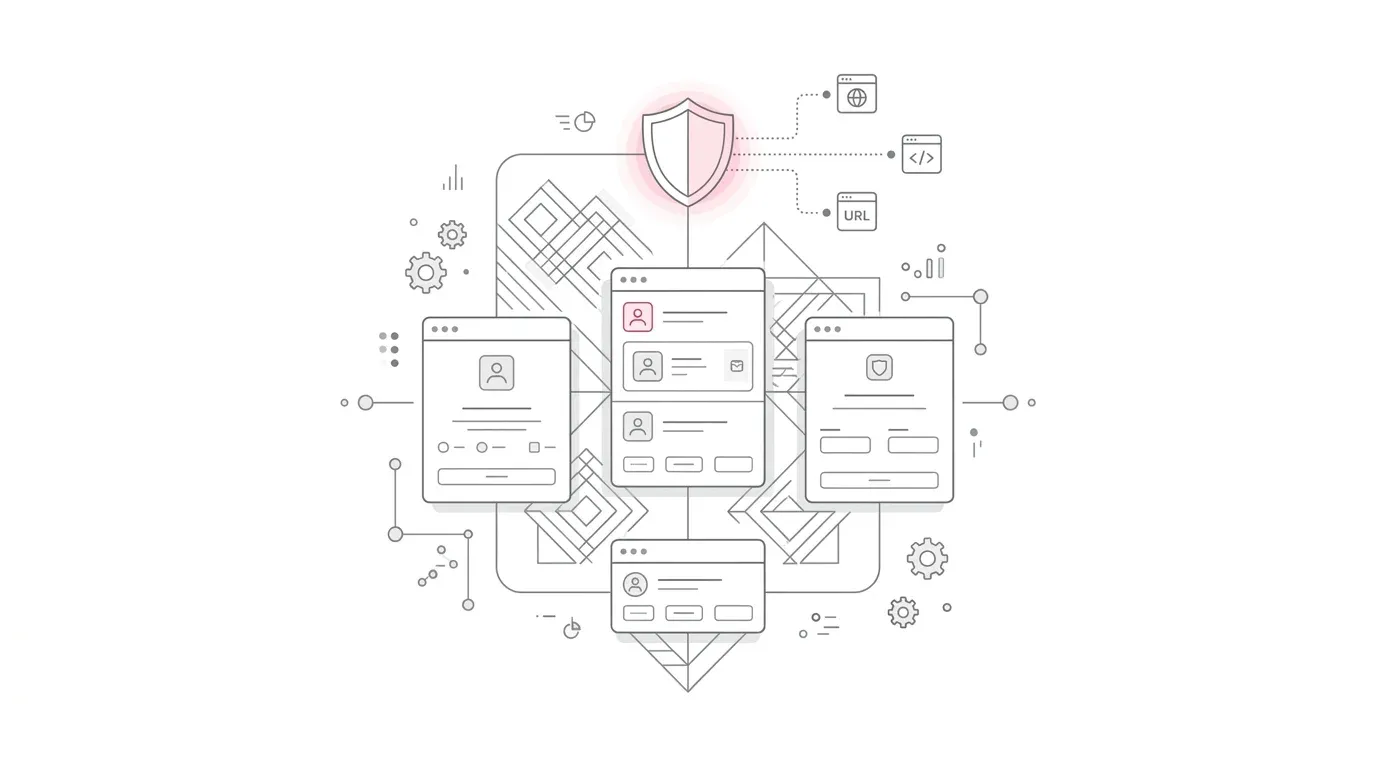
A Salesforce service rep can open a conversation and read what happened. Yet the same transcript may be absent from a SOQL query, a standard report, a data warehouse feed, or a case automation.
That apparent contradiction is becoming a practical problem for organizations using Enhanced Chat, enhanced messaging, Voice, bots, and Agentforce. Salesforce is moving high-volume conversation content from core platform storage to a separate AWS-based conversation database. Salesforce says the phased change began on June 20, 2026 and cannot be reversed after it reaches an org. The related release note tells customers to update data pipelines, BI layers, and integrations because legacy direct-query methods will no longer work. ( Salesforce Success Navi, August 27, 2026 ; Summer '26 release notes )
This is not simply a storage-location detail. It changes the data contract around customer conversations. Leaders need to know which content remains on platform, which content is off platform, how quickly each access method delivers it, and whether the chosen design satisfies operational, analytical, archival, and privacy requirements.
What Salesforce changed
Salesforce now documents two storage patterns for conversation data.
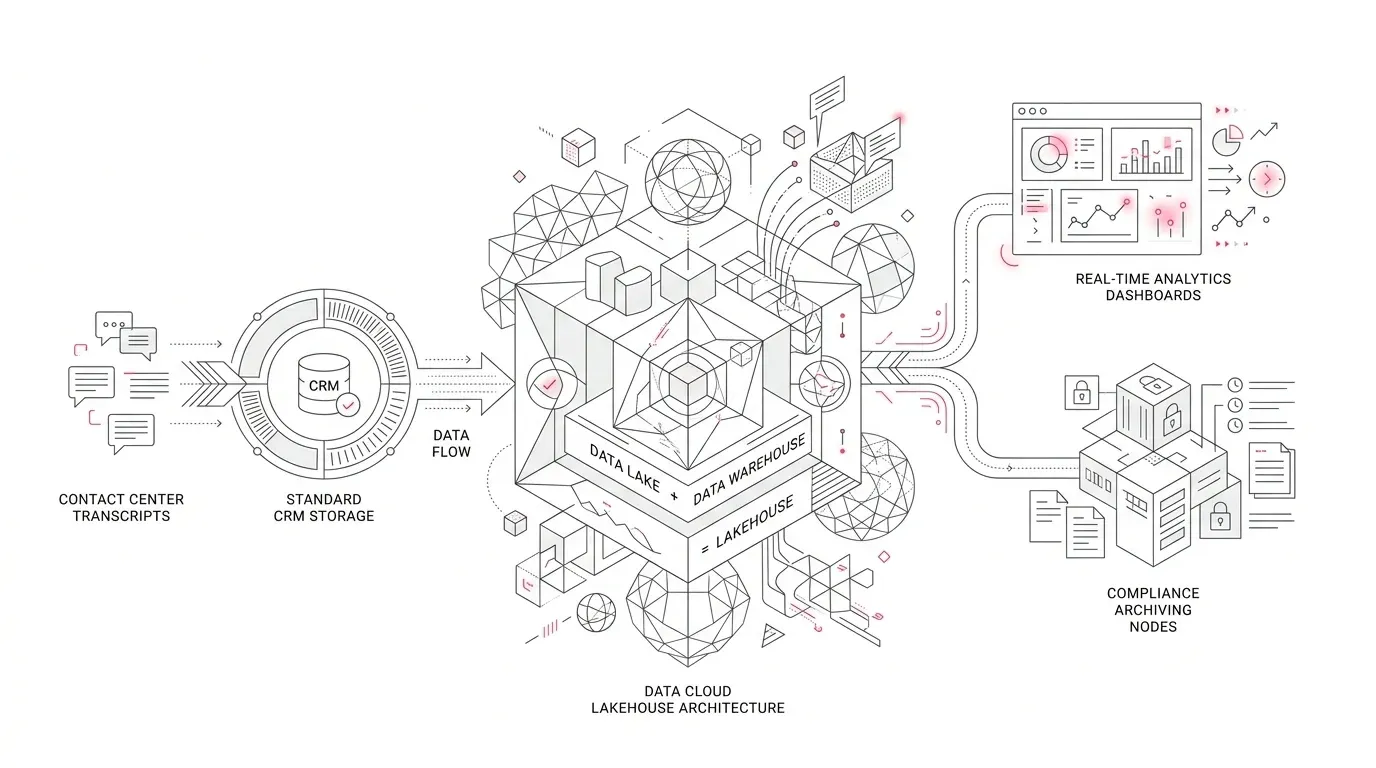
Core Salesforce storage continues to hold on-platform records and supports familiar capabilities such as Object Manager, SOQL, and standard reporting. A separate AWS-based store holds high-volume, off-platform message content for modern service channels. Salesforce currently lists these channels in that off-platform category:
- Salesforce Voice with telephony providers
- Enhanced WhatsApp, Facebook Messenger, SMS, Apple Messages for Business, and LINE
- Enhanced Chat
- Enhanced Bots and Bring Your Own Bot
- Bring Your Own Channel
- Agentforce
Legacy Chat and standard messaging channels remain listed in core storage. The exact impact therefore depends on the channel, its generation, the org's rollout status, and the specific record or field a consumer needs. ( Salesforce: Where Your Conversation Data Resides )
The important boundary is message content. On-platform session and relationship records can still be queryable, while the individual entries that make up the conversation live off platform. Salesforce's developer documentation is explicit: off-platform message content is unavailable through SOQL and standard reports. ( Salesforce Developers: On-Platform vs. Off-Platform Messaging Objects )
That is why a query can return a MessagingSession or Conversation record but not the transcript the business expects.
Five signs that your transcript architecture needs attention
The change can surface in several ways:
- A ConversationEntry SOQL query returns no enhanced-channel messages even though users can see a conversation in the service experience.
- A dashboard still reports session volumes and handle times but cannot analyze the message body, bot selections, links, or rich content.
- A warehouse or quality-monitoring feed becomes incomplete after a channel moves from standard to enhanced messaging.
- A Flow, Apex job, portal component, or post-conversation email assumes that all transcript entries are ordinary Salesforce records.
- An archive or records-response process depends on a sandbox test that cannot reproduce the production export path.
A current Trailblazer Community question illustrates the first and fourth symptoms: the team can identify the Enhanced Chat session but is considering a custom batch process to reconstruct and attach the transcript. That report is an implementation signal, not proof that every org has the same problem. ( Trailblazer Community: ConversationEntry best approach )
Choose the access method by business purpose
There is no single replacement for every legacy query. The right method depends on freshness, volume, payload completeness, and intended use.
| Requirement | Best starting point | Important limitation |
|---|---|---|
| Operational analytics, trend analysis, BI, or large extracts | Data 360 transcript sync | Salesforce says data can take up to an hour to appear; validate capacity, permissions, joins, and downstream latency requirements. |
| A near-real-time transcript in a case page, portal, or integration | Conversation Data GET API | Current documented limit is 90 fetch/update requests per execution user per minute; design for throttling, identity, retries, and late voice-call association. |
| An existing point integration that only needs text | Conversation Entries Connect REST API | It returns text-only transcripts and omits rich content and bot messages. Salesforce plans for the newer GET API to replace it eventually, although no end-of-support date is stated. |
| A complete historical archive or one-time warehouse migration | Bulk export tool | Production only, can run once every seven days, and is not designed for frequent reporting or incremental synchronization. |
| Standard operational reports on on-platform records or legacy channels | Salesforce reporting and SOQL | It does not expose off-platform message content from enhanced channels. |
These distinctions come from Salesforce's current comparison and developer guidance. ( Comparison of Access Methods ; Access Conversation Data )
The architectural mistake is to pick a tool because it can retrieve a sample transcript. A production design must also meet the business requirement at expected volume.
For example, an API may be appropriate for showing one conversation on demand but inefficient for a nightly enterprise extract. Data 360 may be better for analytics, but its documented latency may not suit an immediate customer handoff. Bulk export provides full history, but Salesforce limits it to one run every seven days and does not support transcript export in sandboxes. ( Export Conversation Transcripts )
A seven-step remediation plan
1. Inventory channels before code
List every service channel by org, business unit, region, and environment. Record whether it is standard, legacy, or enhanced. Include Voice, web and in-app chat, WhatsApp, SMS, bots, BYOC, and Agentforce.
Then inventory every transcript consumer: reports, dashboards, warehouses, QA tools, sentiment models, case summaries, customer portals, legal or records exports, retention jobs, and custom automations.
This avoids solving only the failed query while leaving downstream consumers incomplete.
2. Define the required data product
For each consumer, specify:
- Required freshness: seconds, minutes, hourly, daily, or on demand
- Volume and peak concurrency
- Payload: text only or rich content, URLs, bot messages, selections, and intelligence signals
- History: current session, incremental changes, or full archive
- Required joins to cases, contacts, policies, claims, patients, grants, or constituents
- Permitted users and systems
- Retention, deletion, redaction, and evidence requirements
Do not label every requirement “transcript access.” A supervisor screen, a weekly quality dashboard, and a legal archive are three different products.
3. Map the identifiers and joins
Document how MessagingSession, Conversation, ConversationEntry, RelatedRecord, VoiceCall, Case, and customer records connect in your implementation. Test the mapping across human-only, bot-only, bot-to-human, transferred, abandoned, and reopened conversations.
The join is part of the control. A complete transcript attached to the wrong case is still a data-quality failure.
4. Select a supported access pattern
Use Data 360 for analytical and larger-volume use cases where its latency is acceptable. Prefer the Conversation Data GET API for new point-access integrations that need the complete entry payload. Treat Connect REST as an existing or narrower text-only path, not the default for a new long-lived design. Reserve bulk export for full history, archival, or migration.
Salesforce documents both direct APIs as near real time, but notes that voice entries are associated with the voice-call record only after the call ends. Build that timing into orchestration and user expectations. ( Salesforce Developers: Access Conversation Data )
5. Redesign the downstream contract
Do not recreate the old table blindly. Define a versioned downstream schema that preserves:
- Source org, channel, conversation, session, and entry identifiers
- Participant role and timestamps
- Entry type and content format
- Related case or business record
- Retrieval time and source method
- Redaction or masking state
- Processing status, retry count, and reconciliation result
This makes it possible to distinguish a genuinely empty conversation from a delayed, filtered, failed, or unsupported extraction.
6. Revalidate privacy and records controls
Moving access methods does not remove the organization's obligations for the data. Healthcare transcripts may contain patient information; insurance conversations may contain claim, payment, identity, or vulnerability details; nonprofit conversations may include beneficiary or donor data.
Review least-privilege access, encryption, regional requirements, retention, deletion, downstream copies, vendor access, audit evidence, and incident procedures with the appropriate privacy, security, legal, and records specialists.
Salesforce provides sensitive-data rules that can remove or replace matching plain text in enhanced messaging and Voice transcripts. Those rules have important boundaries: Salesforce says they do not apply to attachments, some non-plain-text elements, or Voice recordings, and a maximum of 10 active rules is documented. They are a technical control, not a compliance guarantee. ( Block Sensitive Data in Messaging Sessions and Voice Call Transcripts )
7. Prove completeness before cutover
Run the old and new paths in parallel where possible. Reconcile at several levels:
- Conversations and sessions by channel and day
- Entry counts per conversation
- First and last timestamps
- Participant roles
- Text, links, bot entries, and rich content
- Case and customer relationships
- Late-arriving entries
- Errors, retries, duplicates, and gaps
Use representative business journeys, not a single happy-path chat. Include transfers, escalations, consent changes, long conversations, multilingual content, attachments, bot handoffs, and system failures. For bulk export, validate in production under a controlled plan because Salesforce does not support conversation export in sandboxes.
Industry-specific implications
Healthcare
A patient-service transcript can affect scheduling, intake, prior authorization, billing, and follow-up. A dashboard that counts contacts but loses the message content may hide why patients are calling or whether a handoff was complete. Architecture review should include the privacy and records teams; technical access alone does not establish that a design meets HIPAA, GDPR, or other requirements.
Insurance
Claims and policy-service conversations can include representations, instructions, payment information, and escalation context. Insurers should preserve identifiers, timestamps, participant roles, and retrieval lineage so that an analytical copy does not become detached from the operational record.
Nonprofit foundations
Grant applicant, grantee, donor, and beneficiary conversations can contain sensitive information that is not appropriate for broad analytics access. Foundations should separate the minimum data needed for service improvement from content retained for casework or records purposes.
What leaders should ask this week
- Which of our channels store message content off platform today?
- Which reports, integrations, and archives still assume ConversationEntry is queryable with SOQL?
- Do we need text only, or the full payload including bot and rich-content entries?
- Is our requirement near-real-time operational access, analytical access, or full historical export?
- Can we reconcile the new feed to cases, customers, and source conversations?
- What happens when the API throttles, Data 360 is delayed, or an entry arrives after the parent event?
- Have privacy, retention, deletion, and downstream-access controls been retested?
Turn the storage change into a reliable service-data architecture
Salesforce's off-platform conversation store is designed for the scale of modern messaging. The business risk appears when an organization continues to treat enhanced conversation content like an ordinary core object.
The remedy is not a one-for-one query rewrite. It is a use-case-based architecture: Data 360 for suitable analytical workloads, the appropriate API for live point access, bulk export for complete history, and explicit controls for identity, joins, privacy, resilience, and reconciliation.
Yuniq's Salesforce integration and migration services include implementation, customization, integration, migration, validation, and testing. For organizations finding gaps in Enhanced Chat, Voice, Agentforce, or service-data pipelines, the focused next step is a transcript dependency assessment: inventory affected channels and consumers, select supported access patterns, and prove completeness before replacing the current feed.