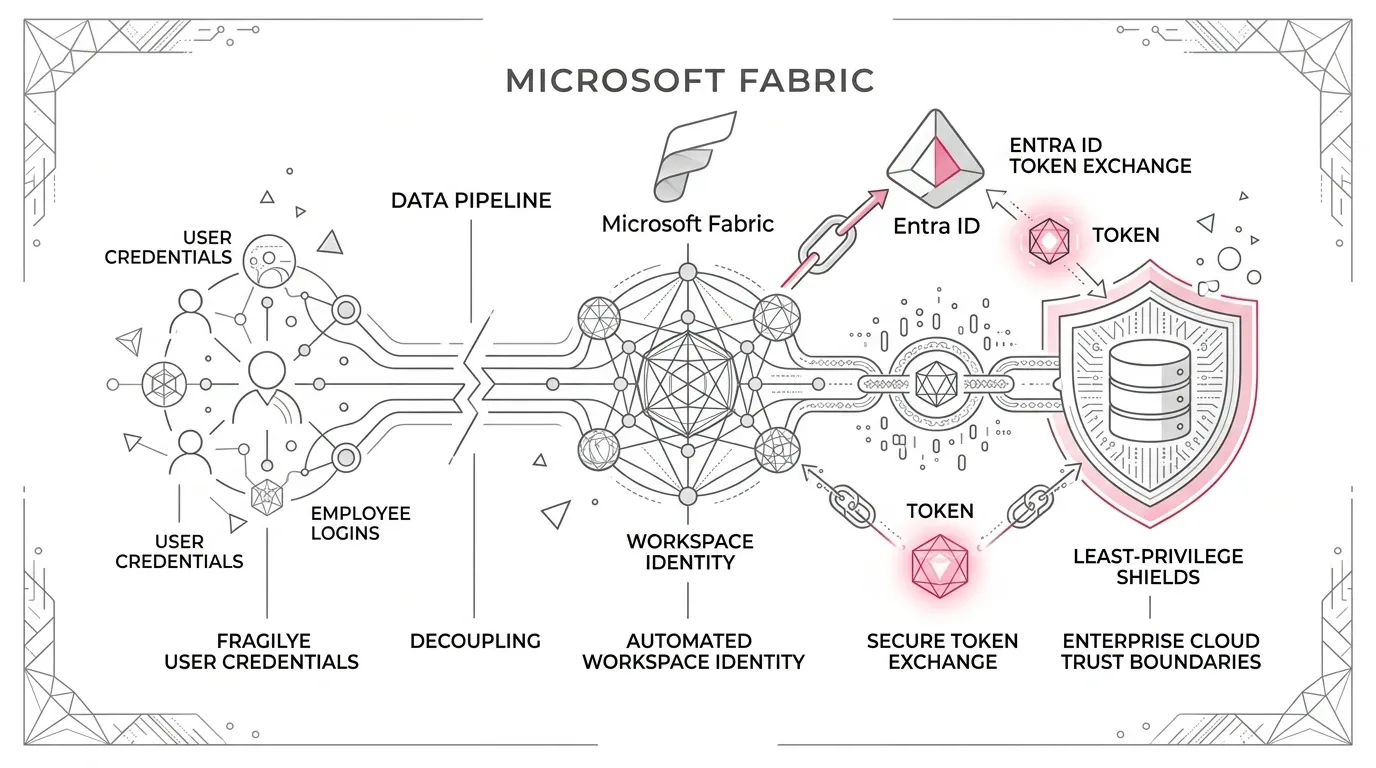
A production data pipeline should never stop running simply because its creator changes roles, departs the enterprise, loses a licence, or triggers an authentication token revocation. Yet this remains one of the most pervasive failure modes in Microsoft Fabric: items and connections built with an individual employee's organizational account that quietly graduate into mission-critical production.
Enterprise Data Architecture Rule: Production data pipelines must execute under governed workload identities with explicit authorization contracts—never under the fragile, transient sign-in state of the person who built them.
Microsoft's official documentation explicitly warns that Fabric items owned by a user who leaves or remains inactive for more than 90 days can cease functioning. Crucially, taking over the item does not automatically repair its underlying connections, because many still bind to the former owner's credentials. Related child items require separate ownership interventions, and mirrored databases may not support ownership takeover at all.
The Five Identity Concerns Collapsed into One Account
Most Fabric initiatives begin organically: an engineer connects to Azure SQL, an analyst configures a Dataflow Gen2 ingestion, and a developer schedules a pipeline. When this prototype moves to production, five distinct architectural concerns become entangled in a single human account:
- Item Ownership: Who administers, modifies, or takes over the Fabric asset.
- Run Initiation: The user or automation principal requesting Fabric to execute a job.
- Connection Authentication: The runtime credential used to authenticate against source or sink systems.
- Target Authorization: The specific read, write, or execute permissions granted in the external target.
- Operational Accountability: The named owner who audits, recertifies, and approves access.
When the employee departs or transfers, the workload crashes even though the pipeline code, schedule, capacity, and underlying databases are completely healthy. Support teams are left scrambling over an authentication incident disguised as a data platform outage.
Why Workspace Identity Changes the Runtime Contract
Fabric Workspace Identity provides an enterprise-grade default for supported connections. It functions as an automatically managed service principal associated with a specific workspace, enabling Fabric to acquire Microsoft Entra tokens seamlessly without customer-managed secrets or manual rotation.
As of late 2026, Microsoft supports workspace identity authentication across OneLake shortcuts, Data Factory pipelines, semantic models, and Dataflows Gen2 within CI/CD pipelines for major Azure sources including Azure SQL, ADLS Gen2, Cosmos DB, Azure Data Explorer, Dataverse, and SharePoint.
Common Anti-Patterns and Flawed Workarounds
- Shared 'Service Accounts': Human-style interactive accounts still suffer from password rotations, MFA policies, token expirations, and lack of individual accountability while expanding the blast radius.
- Relying Solely on Key Vault: Storing a secret in Key Vault protects storage, but does not eliminate the credential or automate zero-downtime rotation. Managed workload identities should always supersede secrets where supported.
- Administrative Takeovers as Runbooks: Relying on workspace admins to manually take over failed items creates emergency access bottlenecks and leaves underlying child connections broken.
- Assuming CI/CD Handles Connection Binding: Fabric deployment pipelines promote item definitions, but Dataflow Gen2 connections remain statically bound and require explicit release-time configuration.
- Granting Workspace Identities Contributor Everywhere: Replacing a person with a machine identity that has tenant-wide Contributor privileges merely creates an unconstrained machine threat vector.
The Target Architecture: An Identity Contract for Every Data Path
A zero-trust Fabric deployment establishes an explicit identity contract that strictly isolates the control plane from the data plane:
| Data Path | Minimum Recommended Authorization | Anti-Pattern to Avoid |
|---|---|---|
| Azure SQL Database Source | SELECT on approved views or bounded schema | db_owner or server-wide sysadmin |
| ADLS Gen2 Storage Source | Storage Blob Data Reader on specific container/path | Storage Account Contributor |
| ADLS Gen2 Landing Sink | Storage Blob Data Contributor on landing folder only | Subscription Contributor |
| SharePoint Online Source | Read access scoped to specific site/library | Tenant-wide SharePoint administrator |
| OneLake Shortcut | Target container read + verified workspace role | Assuming shortcut creation bypasses source ACLs |
Six Pillars of the Workspace Identity Operating Model
- One Workspace Identity per Trust Boundary: Maintain distinct workspace identities across Development, Test, and Production to prevent non-prod environments from inheriting production data access.
- Strict Least Privilege at Target Systems: Grant database and storage access directly to the workspace service principal object ID, scoped only to required schemas and directory paths.
- Role Separation Between Builders, Operators, and Schedulers: Enforce that users initiating pipeline runs hold appropriate workspace roles (Admin, Member, or Contributor) checked at runtime.
- Environment-Specific Deployment Manifests: Maintain a configuration inventory outside item code mapping Item ID, Connection ID, Workspace Identity App ID, and target scopes.
- Controlled Identity Lifecycle & Deletion Procedures: Enforce impact reviews before workspace deletions, as deleted workspace identities cannot be restored and require target re-authorization.
- Continuous Telemetry & Audit Observability: Monitor token retrieval events in Microsoft Purview Audit, Entra enterprise application sign-in logs, and track failed unattended runs.
Phased 14-Week Implementation Roadmap
- Phase 0: Immediate Containment (Days 0-10) — Identify Tier-1 workloads, freeze ad-hoc connection edits, identify items owned by departing personnel, and verify recovery contacts.
- Phase 1: Inventory & Dependency Mapping (Weeks 2-4) — Export the Fabric identity inventory, catalog connection credentials, classify paths by workspace identity eligibility, and rank risk.
- Phase 2: Platform Foundation (Weeks 4-7) — Configure Dev/Test/Prod workspace boundaries, generate workspace identities, apply target least-privilege ACLs, and configure Purview audit alerts.
- Phase 3: Migration Waves (Weeks 7-14) — Migrate supported Azure sources in business-led waves, execute dual-run validation periods, and decommission personal credentials.
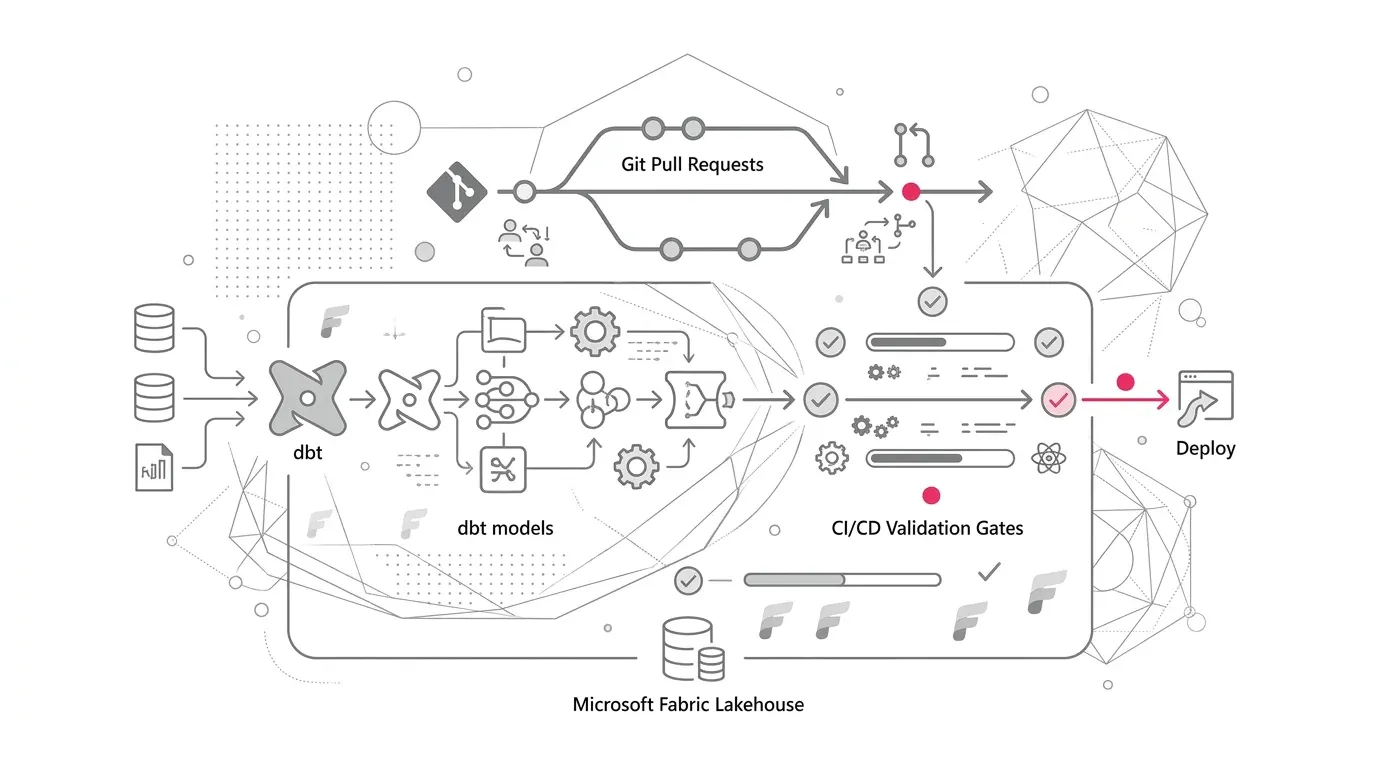
- Phase 4: Continuous Governance (Ongoing) — Enforce identity contracts at CI/CD gates, recertify permissions quarterly, and eliminate legacy exceptions.
Measurable Credential Resilience Metrics
| Metric | Operational Definition | Target Direction |
|---|---|---|
| Personal Credential Exposure | Percentage of production connections bound to personal employee accounts | Toward 0% |
| Identity Contract Coverage | Percentage of Tier-1 pipelines with documented owner, initiator, identity, and target scope | 100% |
| Unattended Execution Success | Scheduled runs completing without interactive re-authentication prompts | Toward 100% |
| Offboarding Resilience Rate | Workloads surviving simulated creator account disablement in staging | 100% |
| Orphaned Target Permissions | Target system grants remaining on deleted or unlinked workspace identities | 0 |
How YuniQ Accelerates Fabric Identity Modernization
YuniQ's Microsoft Fabric Consulting & Implementation Services provide dedicated architectural frameworks to help enterprise teams transition to zero-trust, resilient workspace identities:
- Fabric Strategy & Readiness: Workload inventory audits, identity risk scoring, and workspace topology design.
- Data Integration & Engineering: Refactoring Data Factory pipelines, Dataflows Gen2, and Lakehouse connections to durable service principals.
- Governance, Security & DevOps: Microsoft Entra ID least-privilege role design, Purview integration, Git CI/CD pipelines, and automated telemetry.
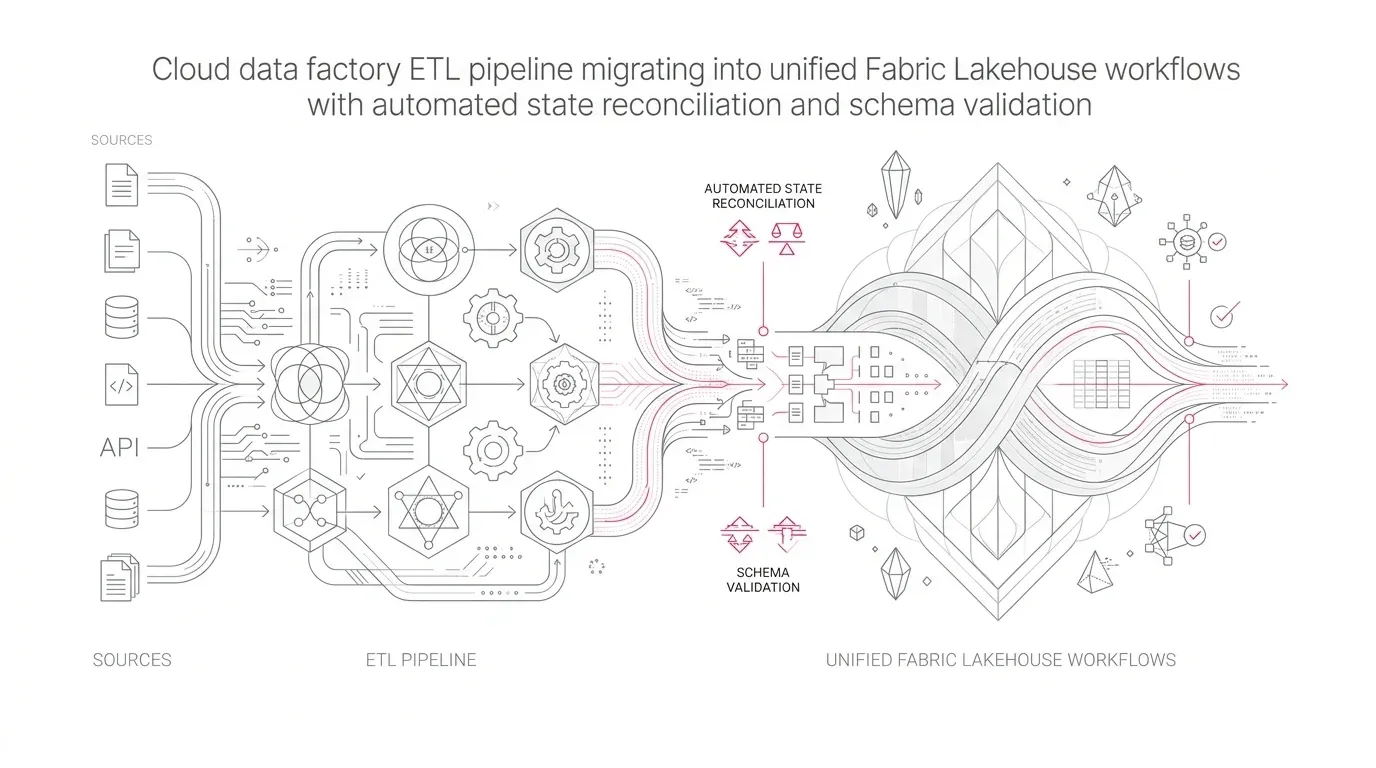
- Validation & Dual-Run Testing: Automated data reconciliation, permission negative testing, and zero-downtime cutovers.
Next 30-Day Action: Audit your top 10 production pipelines. Record their owner, run initiator, connection credential, and target permissions. Migrate your first Azure SQL or ADLS path to a dedicated workspace identity to establish a repeatable organizational standard.