For a multinational enterprise, Microsoft Fabric data residency is not solved merely by choosing a region when an F-capacity is purchased. While capacity determines where workspace workloads execute, the complete residency picture encompasses the tenant home region, service metadata, data in transit, source-system locations, OneLake shortcuts, semantic models, credentials, and operational admin access.
This distinction matters profoundly because regional placement becomes difficult to reverse after engineering teams create lakehouses, warehouses, pipelines, notebooks, and other Fabric items. Microsoft explicitly documents that workspaces containing non-Power BI Fabric items cannot simply be moved between regions through administrative capacity reassignment. Many migrations therefore become controlled rebuilds in a destination workspace, followed by data movement, dependency rewiring, validation, and cutover.
Core Architectural Finding: Microsoft Fabric Multi-Geo assigns compute and OneLake data storage to a capacity region, but tenant metadata, credentials, and gateway routing remain anchored in the home region. Enterprise data sovereignty requires an end-to-end placement contract, not just a regional capacity.
The practical answer is a regional placement contract: classify every data product before deployment, provision capacity in an approved region, keep storage and compute aligned where possible, treat metadata location as part of the compliance assessment, and make regional placement a release gate. Existing estates should be inventoried and migrated in waves according to item type and dependency risk.
This article explains that operating model and shows how Microsoft Fabric capabilities can support it.
The Enterprise Problem: Region Is Being Decided Too Late
Fabric makes it easy for a team to create a workspace and begin building. That speed becomes a liability when the enterprise has residency obligations that differ by country, legal entity, data category, or contract. Typical late discoveries include:
- A customer data product was built on a capacity outside its approved geography;
- A regional workspace points through a OneLake shortcut to storage in another region, creating a continuing cross-region data path;
- The security review considered data tables but not tenant metadata, credentials, cached results, or service processing;
- A planned workspace reassignment fails because the workspace contains lakehouses, warehouses, notebooks, pipelines, or other non-movable items;
- A large semantic model or a private networking configuration complicates the migration; and
- The target region supports Power BI but not every Fabric workload the solution requires.
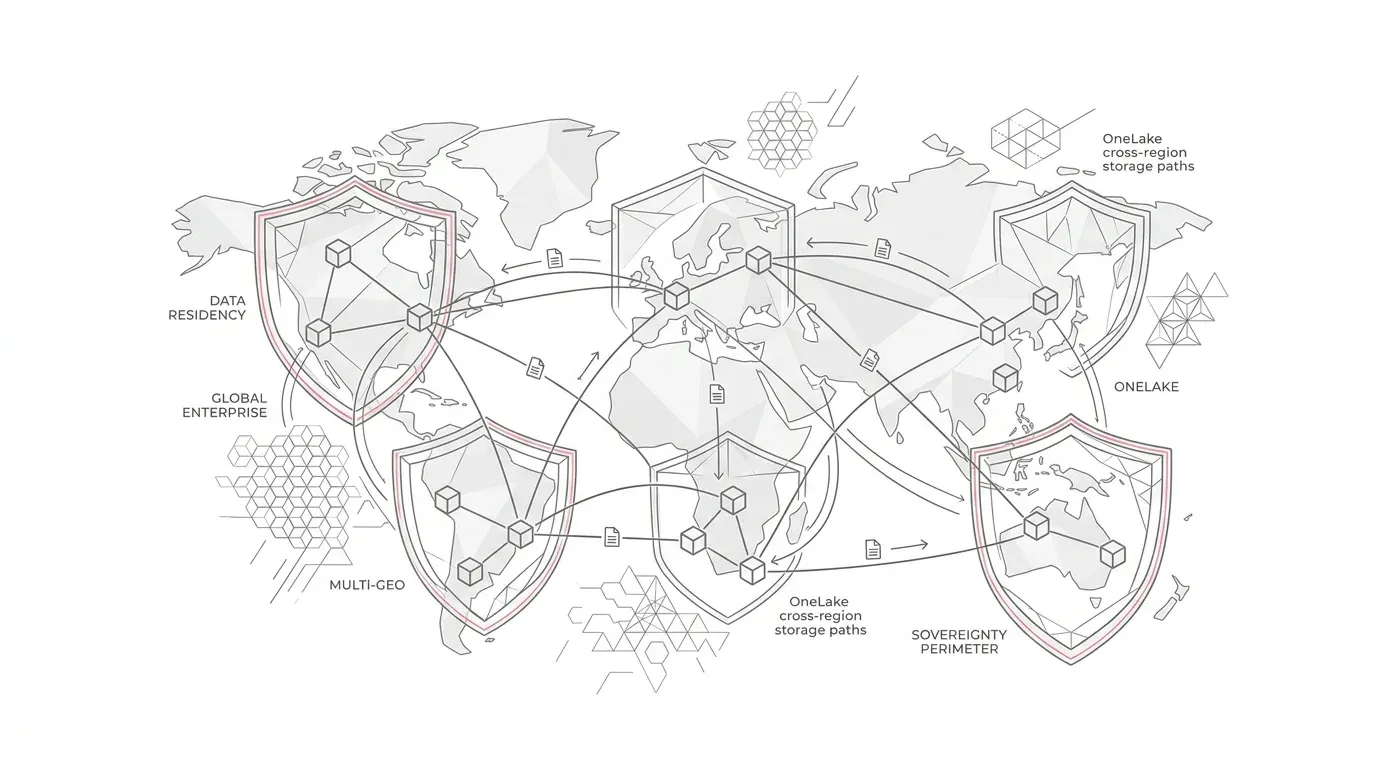
Microsoft defines the Fabric home region as the Azure datacenter region linked to the tenant. It affects workload and feature availability, data residency, performance, and compliance. Multi-Geo allows an organization to create capacity outside that home region, with workspaces assigned to the capacity stored in its region. However, Microsoft also documents that some tenant metadata remains in the home region and that some data in transit can move between geographies. A regional capacity is therefore necessary for a residency design, but it is not the whole design.
The executive risk is broader than a technical migration. Poor placement can delay market entry, trigger a remediation program, increase network and duplicate-capacity costs, interrupt analytics, or make it hard to provide a precise answer to an auditor's basic question: Where does this data product store, process, and expose information?
A Representative Enterprise Scenario
Composite Scenario Note: The following scenario illustrates common architectural challenges across distributed business units and is not a specific customer disclosure.
A global services company has a Fabric tenant whose home region is in Europe. Its central analytics team creates one production capacity there. Regional teams in the United Kingdom, Germany, the United States, and Australia begin delivering customer, workforce, and service analytics in shared workspaces.
Six months later, the privacy and legal teams classify the estate:
- German workforce records must remain within an approved German deployment pattern under strict works council regulations;
- Australian customer interaction data must be processed in Australia unless a reviewed exception exists;
- Global finance aggregates may be consolidated in Europe after regional transformation and minimization; and
- A global executive model may expose only approved aggregated measures, not regional row-level records.
The team initially proposes moving each workspace to a capacity in the required region. The inventory shows why that is unsafe. The workspaces contain lakehouses, Dataflow Gen2 staging items, pipelines, notebooks, shortcuts, large semantic models, private networking, and hard-coded workspace identifiers. Only a subset can be moved by capacity reassignment.
The company now has two simultaneous problems: 1. Correct the location of existing workloads without breaking reporting. 2. Prevent new workloads from repeating the same mistake. That is the problem a regional placement contract solves.
Root Causes and Consequences
1. Residency Is Reduced to a Capacity Dropdown
A capacity exists in one region, and its assigned workspaces inherit that placement. But compliance decisions usually operate at a finer level: data category, data subject, processing purpose, legal entity, source system, destination, retention period, and approved transfer mechanism. When teams record only the capacity region, they omit the rest of the data path.
2. The Tenant Home Region Is Ignored
In Multi-Geo , compute and storage, including OneLake and experience-specific storage, are located in the remote region. Microsoft nevertheless identifies categories of metadata that remain in the home region, including permissions, semantic model credentials, some report or dashboard metadata, gateway service-bus information, and metadata linked to the Purview Data Map. Some features also process data in the home region. This does not mean Multi-Geo fails residency requirements. It means legal and security stakeholders must assess the documented behavior against the organization's actual obligations instead of relying on a blanket statement that 'the workspace is local.'
3. Workload Availability Is Assumed to Be Uniform
Fabric workload availability varies by region. Microsoft maintains a regional availability table that distinguishes full Fabric regions from Power BI-only regions and calls out unavailable features. A target location may satisfy geographic intent but fail the solution's functional requirements.
4. Workspace Reassignment Is Mistaken for Full Migration
Microsoft currently lists reports, small-storage semantic models, dashboards, Dataflow Gen1, paginated reports, datamarts, and scorecards as item types that can move across regions through workspace reassignment . Other item types must be removed before a cross-region reassignment. Dataflow Gen2 can leave visible staging lakehouse and warehouse items after deletion, which must also be addressed. Jobs are canceled when a workspace moves. Microsoft also warns that items left attached to the source capacity can become unavailable if that capacity is paused or deleted. For a modern Fabric data platform, this frequently turns 'move the workspace' into 'recreate the solution in a regional workspace.'
5. Logical Virtualization Is Confused with Local Processing
A OneLake shortcut is a reference, not a copy. Recreating a shortcut in a destination workspace relocates the reference but does not relocate its target data. Microsoft notes that when external storage and the Fabric capacity are in different regions, each query crosses the regional boundary and can incur cross-region latency and egress pricing. Shortcuts can be an excellent architecture choice. They are not evidence that the underlying data became regional.
6. Region Is Absent from the Delivery Lifecycle
If workspace templates, platform requests, CI/CD variables, architecture reviews, and production approvals do not carry a region classification, placement depends on individual memory. Drift becomes inevitable as new teams, features, and capacities appear.
Why Common Approaches Fall Short
"Put Everything in the Tenant Home Region"
This is simple, but simplicity does not override regional obligations, performance requirements, or customer commitments. It can also create long-distance ingestion and query paths for regional operations.
"Create Local Capacities After the Solution Is Built"
This postpones the most consequential decision. By the time a destination capacity exists, data, item definitions, connections, identities, secrets, network controls, and downstream consumers may all depend on the original workspace.
"Move Every Workspace Through Capacity Reassignment"
This works only for supported configurations and item types. It is not a universal cross-region migration mechanism. Unsupported items, large-storage semantic models, private networking, and customer-managed key configurations require specific treatment.
"Use Shortcuts So No Data Ever Moves"
Shortcuts avoid unnecessary copies, but the target remains where it was. The design must still account for the target region, query path, authorization, latency, egress, and whether cross-region access is legally and operationally acceptable.
"Duplicate All Data into Every Region"
Uncontrolled replication increases storage, ingestion, reconciliation, deletion, and access-management work. It also broadens the number of places where sensitive data must be protected. Replicate only when the business and compliance case is explicit.
The Solution: A Regional Placement Contract for Every Data Product
A regional placement contract is a small, governed specification attached to a data product and enforced through platform delivery. It answers six core questions before production deployment:
| Placement Decision | Required Evidence & Technical Scope |
|---|---|
| What data is involved? | Classification, sensitivity label, data subjects, owner, source systems, and retention need. |
| Where may it be stored? | Approved geography or region for raw, curated, semantic, cached, and exported data. |
| Where may it be processed? | Approved compute regions, including ingestion, transformation, AI, and reporting. |
| What may cross a boundary? | Approved row-level data, aggregates, metadata, and transfer mechanism. |
| What service behavior is accepted? | Documented home-region metadata, data-in-transit behavior, feature processing, and exceptions. |
| How is compliance proved? | Workspace/capacity mapping, lineage, deployment records, access logs, tests, and named approvers. |
The contract is both an architecture artifact and an operational control. It turns an ambiguous instruction such as 'keep German data in Germany' into testable rules for capacities, workspaces, storage, connections, transformations, semantic models, and exports.
A Practical Microsoft Fabric Architecture
1. Establish a Control Plane and Regional Data Planes
Use a central platform function to define policy, supported patterns, naming, automation, and evidence. Use regional Fabric capacities and workspaces as data planes for workloads that require regional placement:
Enterprise control plane
  |-- Residency policy and exception register
  |-- Capacity/workspace inventory
  |-- Source-controlled item definitions
  |-- Deployment, monitoring, lineage, and audit standards
  |
  +-- Region A data plane
  |     |-- Regional ingestion workspace
  |     |-- Regional transformation workspace
  |     +-- Regional serving workspace
  |
  +-- Region B data plane
  |     |-- Regional ingestion workspace
  |     |-- Regional transformation workspace
  |     +-- Regional serving workspace
  |
  +-- Approved global data plane
        |-- Minimized or aggregated regional outputs
        +-- Global semantic models and reports
The control plane should not become a central copy of all regional data. Its job is to manage definitions, policy, inventory, and evidence. Regional data planes perform the processing permitted by their placement contracts.
2. Design a Region Matrix Before Buying or Assigning Capacity
For each prospective region, document and validate:
- Whether the required Fabric workloads and features are available in that geography;
- Required capacity SKU and expected concurrent analytical query loads;
- Source-system and external-storage physical regions;
- Approved inbound and outbound network data paths;
- Network, gateway, DNS, private connectivity, and firewall dependencies;
- Identity, connection, credential, and customer-managed key requirements;
- Business continuity and disaster recovery requirements;
- Local support ownership and operational escalation hours; and
- Known metadata or processing flows that remain anchored in the tenant home region.
Microsoft's regional availability page should be checked during design and again before deployment because service coverage changes over time.
3. Separate Raw Regional Data from Approved Global Products
Keep regulated row-level data in its approved regional workspace unless an explicit transfer is allowed. Perform cleansing, minimization, tokenization, or aggregation in-region. Publish only the approved output to a global consolidation layer.
For example, a global executive report may need service volume, resolution time, and revenue by market. It may not need customer names, free-text notes, phone numbers, or employee-level records. Moving a small, governed aggregate reduces both compliance exposure and cross-region cost.
4. Align Compute, Storage, and Primary Consumers
Where practical, place the Fabric capacity, OneLake data, external storage, and latency-sensitive consumers in the same region. When a cross-region shortcut or data transfer is intentional, document the target's physical region, data classifications exposed, expected read volumes and egress models, latency objectives, authentication methods, failure behaviors, and named exception owners.
5. Treat Region as Configuration, Not Embedded Logic
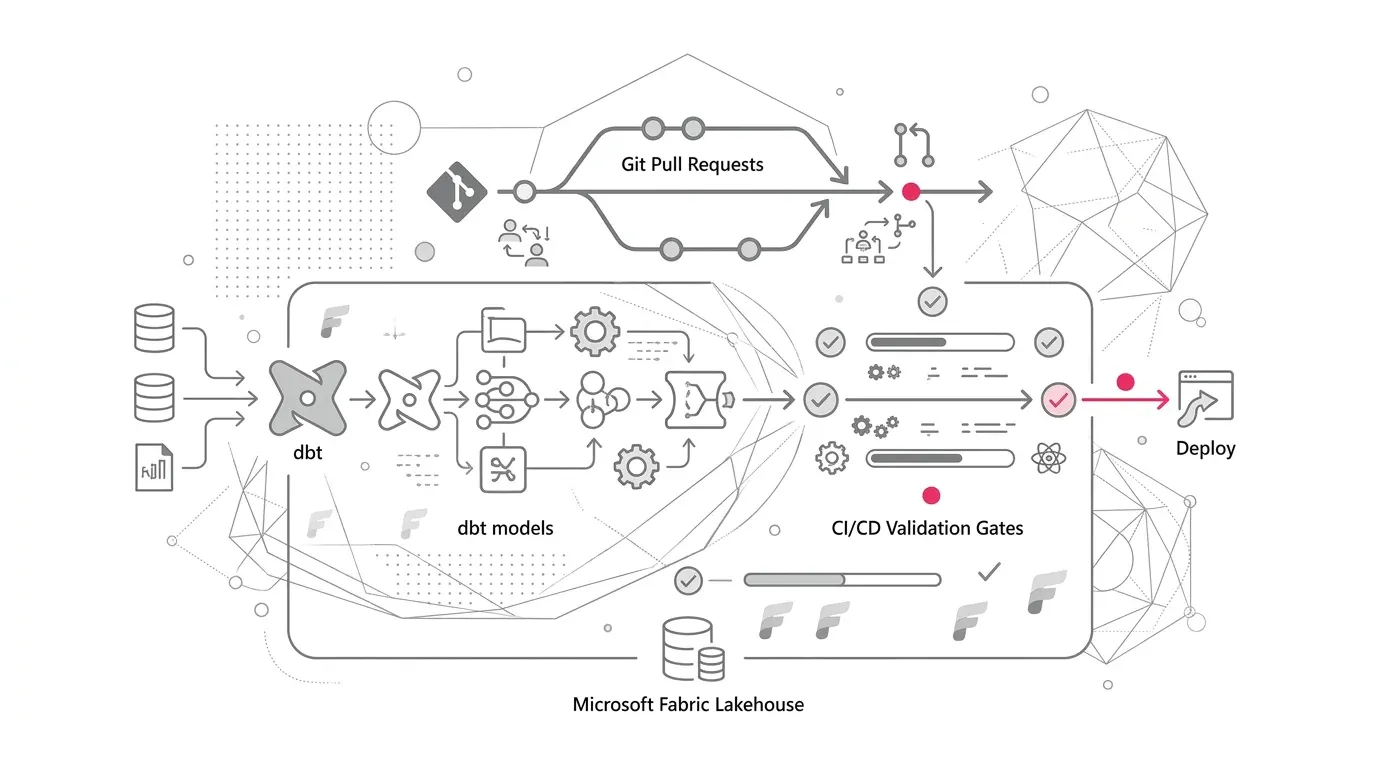
Keep supported Fabric item definitions in source control. Parameterize workspace IDs, lakehouse IDs, endpoints, storage paths, connection references, and other environment-specific values. Microsoft positions Git integration, deployment pipelines, REST APIs, variable libraries, Fabric CLI, and infrastructure-as-code tooling as complementary Fabric CI/CD capabilities .
Support varies by item, so maintain a deployment manifest with one of three methods for each component:
| Component Class | Delivery Method | Regional Migration Treatment |
|---|---|---|
| Source-controlled definition | Git, deployment pipeline, API, or supported deployment tooling | Redeploy into the destination workspace and bind regional configuration. |
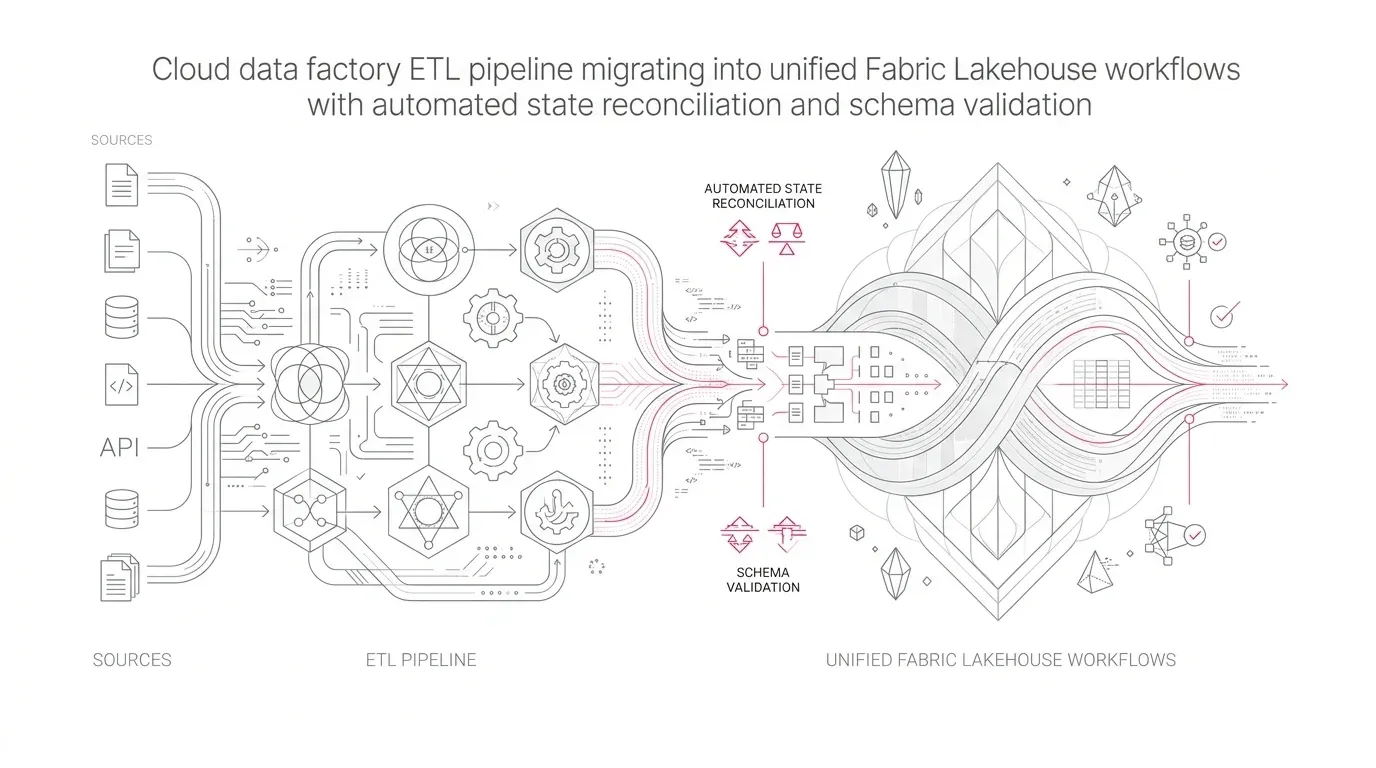
| Data-bearing managed item | Workload-specific export/copy/reload process | Recreate item, transfer or reload approved data, and reconcile schema. |
| Tenant or external dependency | Admin configuration or external infrastructure automation | Recreate or rebind explicitly; do not assume item deployment carries it. |
The goal is repeatable reconstruction. That is valuable for regional relocation, disaster recovery, testing, and controlled expansion into new markets.
6. Build an Authoritative Placement Inventory
At minimum, inventory every production workspace, capacity, capacity region, domain, owner, item type, sensitivity, source, shortcut target, connection, and downstream consumer. Microsoft's metadata scanner APIs can extract Fabric metadata such as item names, owners, sensitivity labels, tags, and endorsement status. Combine that inventory with capacity and workspace information plus workload-specific APIs.
Flag these conditions automatically in continuous CI/CD governance checks:
- Workspace region differs from the approved product region;
- Shortcut target is in an unapproved or undocumented region;
- Production item has no designated owner or placement contract;
- Region-specific connection points to a global or wrong-region endpoint;
- Sensitive product lacks lineage or classification evidence;
- Workspace contains item types that block a planned reassignment; and
- Source capacity is scheduled for pause or deletion before migration sign-off.
7. Apply Governance and Security at Each Regional Boundary
Use Microsoft Entra groups and least-privilege workspace roles. Apply sensitivity labels and use lineage and audit data to demonstrate how information moves. Separate development, test, and production as required, and avoid using production data casually in lower environments.
Remember that Microsoft states a tenant setting can govern feature availability without necessarily being a data-security boundary . Access must be enforced through the relevant Fabric item, workspace, data, identity, and network controls.
Cross-Region Migration Decision Tree
Use this disciplined eight-step sequence for evaluating each workspace in an existing estate:
- Is the current placement already approved? If yes, record the evidence and leave it in place.
- Can the requirement be met by minimizing data in-region and publishing an approved aggregate? If yes, avoid relocating the full workload.
- Does the workspace contain only item types supported for cross-region reassignment? If yes, test reassignment in a non-production rehearsal and plan for canceled jobs and validation.
- Does it contain non-movable Fabric items? Build a destination workspace and reconstruct those items from controlled definitions.
- Does it contain large-storage semantic models? Treat them as new deployments in the destination region; Microsoft advises against moving them between regions.
- Does it contain shortcuts? Recreate each shortcut in the destination workspace and decide separately whether its target data must also move.
- Does it use private networking or customer-managed keys? Validate destination-region prerequisites and use a specific migration runbook.
- Are all dependencies, security assignments, refreshes, and business results validated? Only then cut over consumers and retire the source.
Phased Implementation Roadmap
Phase 1: Discover and Classify
- Confirm the tenant home region and enumerate every capacity and workspace region;
- Scan item metadata and collect workload-specific configuration;
- Map source systems, external storage, shortcuts, pipelines, semantic models, consumers, identities, and networks;
- Classify data products by residency, processing, transfer, retention, and recovery requirements; and
- Identify undocumented cross-region paths and source-capacity dependencies.
Exit criterion: Every production data product has an accountable owner, a mapped data path, and a provisional regional classification.
Phase 2: Decide the Target Topology
- Select approved Fabric regions only after checking workload availability;
- Define the control plane, regional data planes, domain/workspace boundaries, and capacity isolation;
- Specify which data stays regional and which minimized outputs may be consolidated;
- Approve metadata-location assumptions and exceptions with security, privacy, and legal stakeholders; and
- Model capacity, storage, data-transfer, parallel-run, and support costs.
Exit criterion: Architecture and compliance owners approve a region matrix and migration disposition for every in-scope workspace.
Phase 3: Build a Representative Pilot
Choose one material but bounded data product. Provision its destination capacity and workspaces, configure identity and networking, deploy item definitions, load or transfer approved data, recreate shortcuts, and rebind consumers. Rigorously validate:
- Data completeness and business-rule reconciliation;
- Pipeline, notebook, and refresh execution schedules;
- Semantic model results and report consumption behavior;
- Role, item, and data-level authorization boundaries;
- Negative access paths and regional network restrictions;
- Cross-region latency and egress cost assumptions; and
- Monitoring, alerting, rollback procedures, and evidence capture.
Exit criterion: The pilot meets defined functional, security, residency, performance, and recovery acceptance criteria.
Phase 4: Migrate in Controlled Waves
Group workloads by region, dependency, item type, data volume, and business criticality. Keep source and destination capacities active during migration. Freeze relevant configuration, deploy the destination, reconcile data, conduct a business parallel run, and cut over through a documented change window.
Do not pause or delete the source capacity until the migration record confirms that no required item remains attached to it.
Exit criterion: Each wave has technical validation, business sign-off, security approval, and a completed rollback or source-retirement decision.
Phase 5: Prevent Recurrence
- Add region and residency fields to workspace and data-product intake forms;
- Provision workspaces only through an approved regional template or automation path;
- Add policy checks to CI/CD and production approval pipelines;
- Continuously compare actual capacity region and shortcut targets with the placement inventory;
- Review regional availability, exceptions, and cost quarterly; and
- Require reassessment when sources, data categories, consumers, or service features change.
Exit criterion: An unclassified production deployment cannot bypass the placement decision.
Risk, Governance, Security, Adoption, and Cost Considerations
Governance Risk
The most dangerous artifact is an outdated diagram. Make the inventory machine-readable and assign control owners. Capture documented Microsoft service behavior separately from company policy so that product changes can trigger a targeted review.
Security Risk
Migration temporarily increases exposure because source and destination coexist. Use least-privilege migration identities, time-bound access, protected secrets, auditable automation, and explicit cleanup. Validate permissions and data-level controls in the destination instead of assuming they moved with content.
Operational Risk
Cross-region reassignment cancels item jobs. Reconstruction can also break schedules, connection bindings, shortcuts, alerts, semantic-model relationships, or external integrations. A dependency inventory, production-like rehearsal, parallel validation, and rollback checkpoint are essential.
Adoption Risk
Regional controls can be perceived as central obstruction if the approved path is slow. Provide reusable workspace patterns, parameter templates, deployment automation, and a clear exception process. Regional product owners should participate in the design and own local data quality and access decisions.
Cost Risk
Budget for more than capacity purchase: temporary source and destination capacity during migration, cross-region or cross-cloud data transfer, duplicate storage during parallel validation, reprocessing and semantic-model refresh, engineering for reconstruction, testing, and dependency changes, and monitoring, governance, and regional support. The right comparison is not 'one capacity versus several.' It is the total cost and risk of a governed regional design versus emergency relocation after a compliance or customer issue.
Success Metrics for Multi-Geo Governance
| Governance & Operational Metric | Example Target Definition |
|---|---|
| Classified production data products | Percentage with an approved placement contract and designated owner. |
| Placement compliance | Percentage whose actual capacity and data paths match approved regions. |
| Undocumented cross-region paths | Count of shortcuts, sources, exports, or consumers without an approved record. |
| Automated provisioning | Percentage of production workspaces created through the regional control path. |
| Migration reconciliation | Percentage of critical tables and measures meeting agreed completeness and accuracy thresholds. |
| Cutover reliability | Successful migrations without unplanned rollback or unresolved item attachment. |
| Regional performance | Pipeline and query service levels measured from primary consumer locations. |
| Exception age | Open residency exceptions past their review or expiry date. |
| Evidence freshness | Days since the inventory and control results were last refreshed. |
| Unit economics | Capacity, storage, and transfer cost per governed data product or workload tier. |
Targets should be set by the enterprise according to risk appetite and service criticality. They are not Microsoft or YuniQ performance guarantees.
How YuniQ Can Help
YuniQ's published Microsoft Fabric consulting practice aligns with the work required to establish and operationalize a regional placement contract across global data footprints:
- Fabric Strategy & Readiness: Current-state diagnostics, F-capacity sizing, workspace topology, and security, governance, and operating-model design to produce the regional inventory and placement matrix.
- OneLake & Data Architecture: Domain workspaces, medallion layers, Lakehouse-versus-Warehouse optimization, and OneLake shortcut design to separate regional raw data from approved global products.
- Migration & Implementation: Dependency and data-flow mapping, phased migration waves, automated reconciliation, parallel validation, and cutover planning when reconstruction is required.
- Governance, Security & DevOps: Microsoft Entra least-privilege design, Microsoft Purview integration and sensitivity labels, lineage tracking, Dev/Test/Prod separation, and Git-integrated CI/CD.
- Managed Services: Pipeline and refresh monitoring, capacity optimization, release management, CI/CD automation, and continued regional domain expansion.
Design Your Fabric Data Sovereignty Architecture
Avoid expensive cross-region reconstruction down the road. Partner with YuniQ to design a resilient Microsoft Fabric Multi-Geo placement contract and govern enterprise data residency.
Explore Microsoft Fabric ConsultingPractical Next Steps: 30-Day Action Plan
In the next 30 days, enterprise data leaders should execute these six foundational milestones:
- Confirm the Fabric tenant home region and export an inventory of capacities, workspace regions, owners, and item types.
- Select the five most sensitive or business-critical data products and draw their complete storage, processing, metadata, and consumption paths.
- Compare each path with legal, regulatory, contractual, security, performance, and recovery requirements.
- Identify workspaces that cannot move through simple reassignment and classify their migration method.
- Define a minimum regional placement contract and make it mandatory for new production workspaces.
- Choose one representative workload for a destination-region pilot, with measurable reconciliation, performance, security, cost, and rollback criteria.
The key leadership decision is straightforward: make region part of the data product's design before delivery, or accept a more expensive reconstruction later.