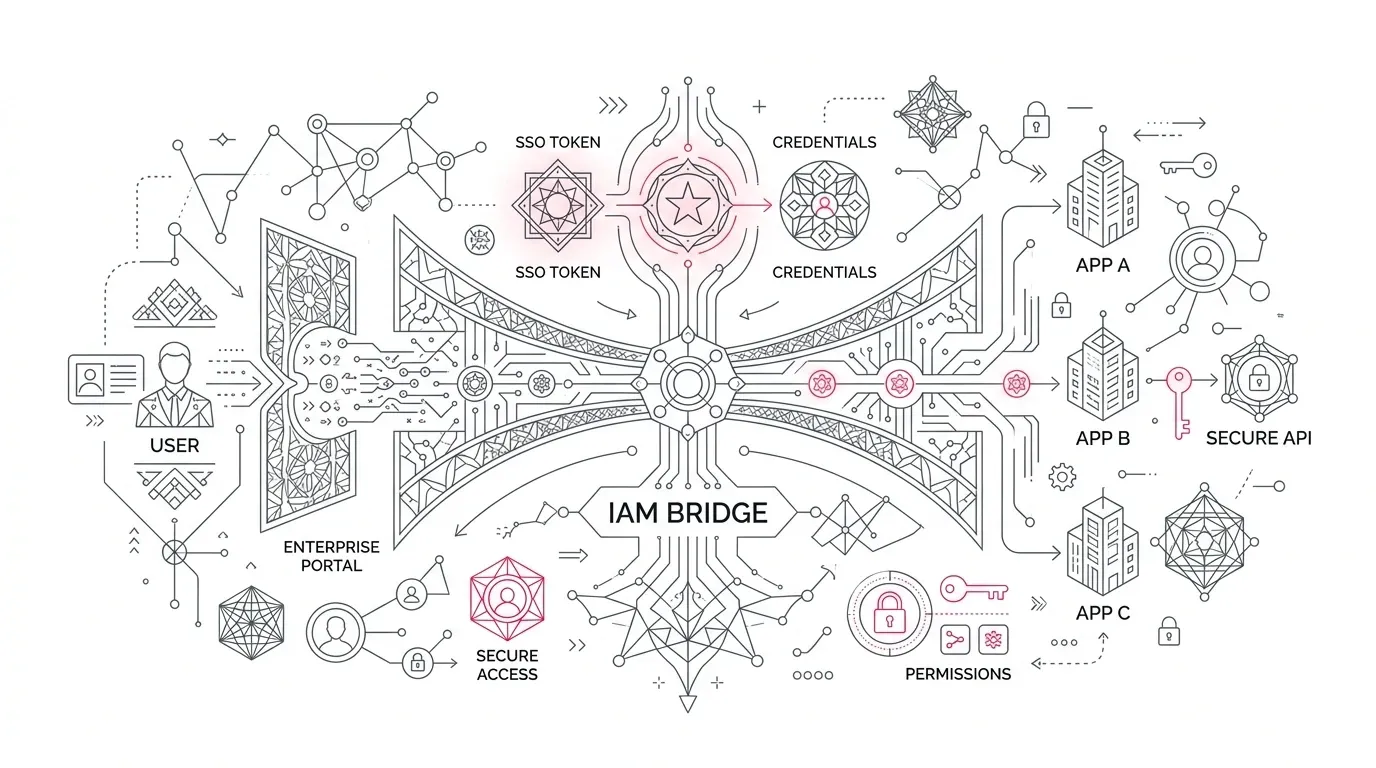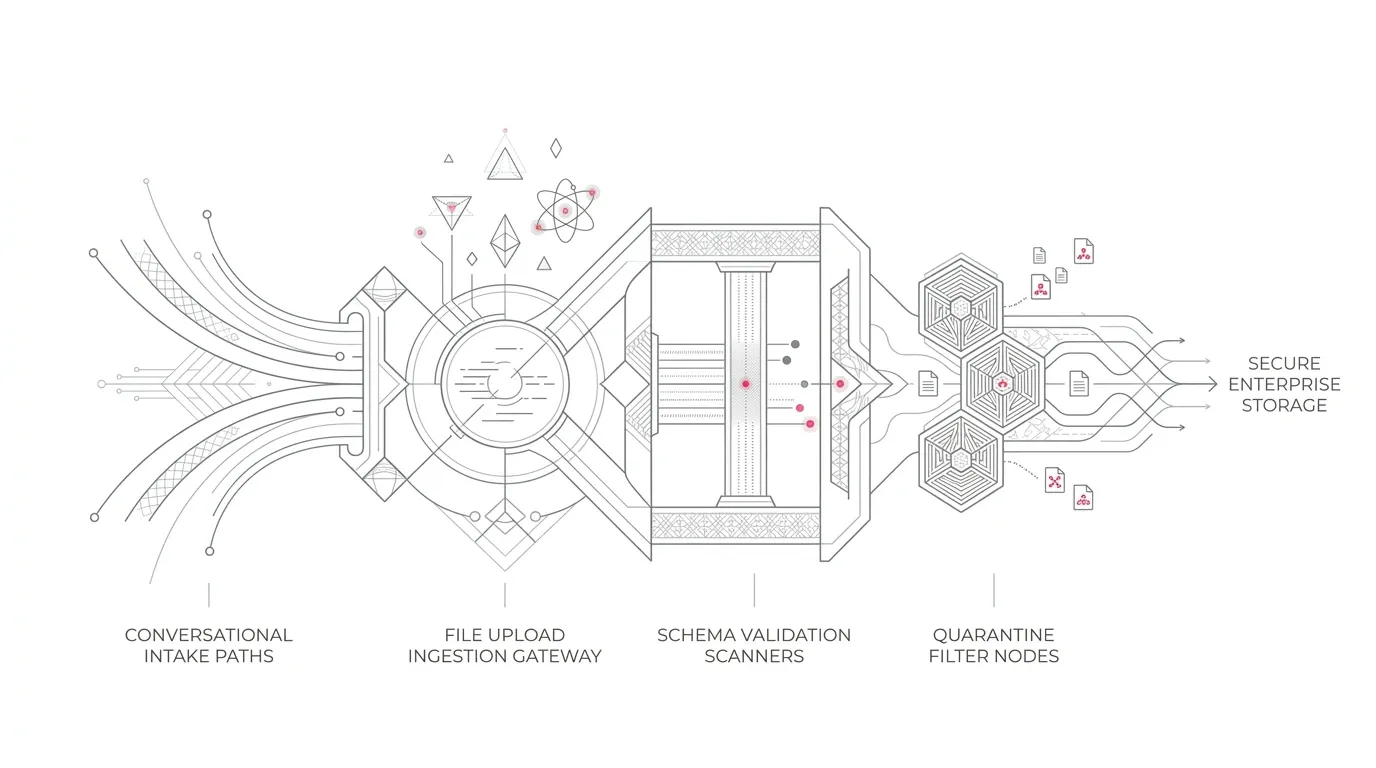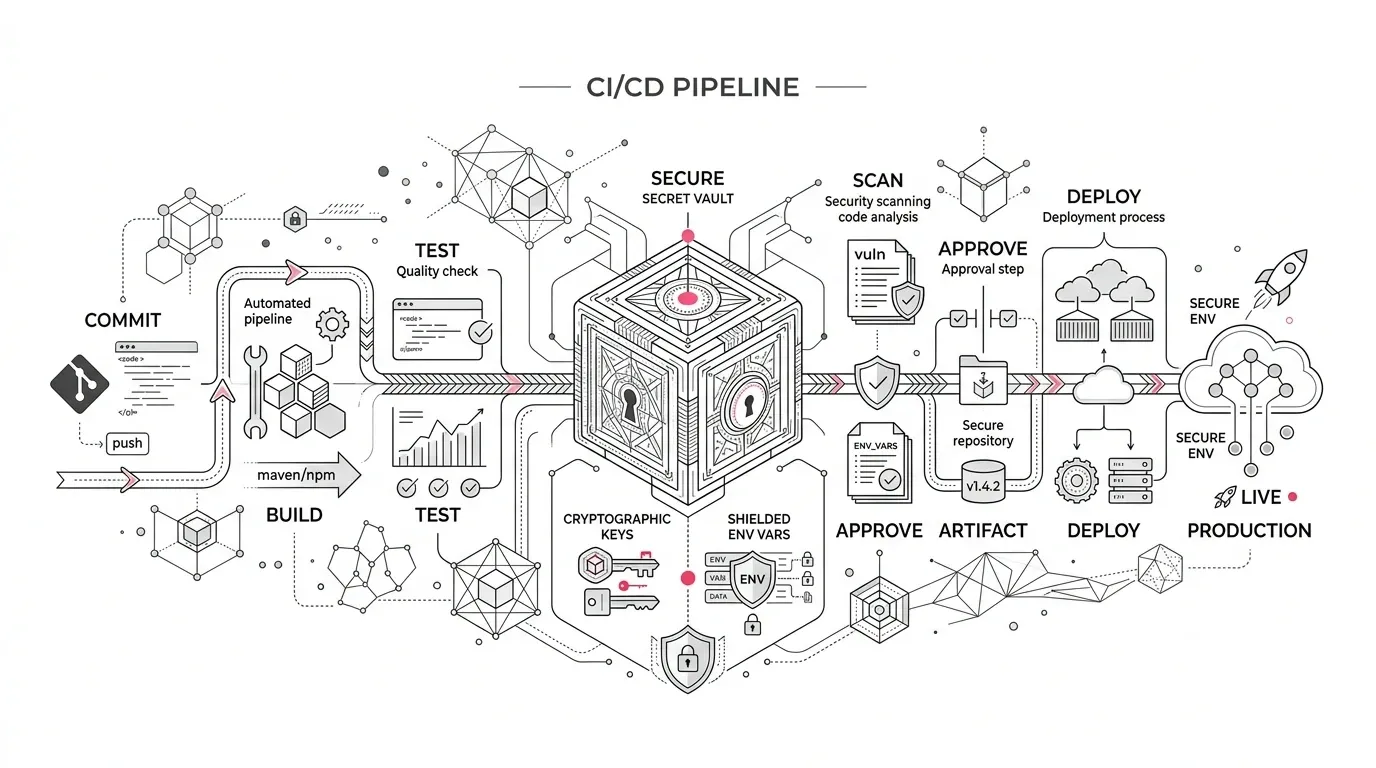
A Salesforce deployment pipeline can look healthy until the moment it needs a credential.
On October 28, 2026, Salesforce will remove the temporary `SF_TEMP_SHOW_SECRETS` compatibility workaround from the Salesforce CLI. Workflows that still depend on the variable to expose an access token, SFDX authorization URL, or user password through a standard CLI command must move to the dedicated `sf org auth show-*` commands before the cutoff.
The risk is easy to miss because the first visible error may not occur at the credential step. Salesforce warns that a script reading `accessToken` from `sf org display --json` can receive `[REDACTED]` and only fail later with a 401 response. A team may investigate the target org, network, permissions, or downstream API when the actual defect is an outdated parsing assumption in the pipeline.
This is not only a command substitution. It is an opportunity to find where Salesforce credentials move through automation, reduce unnecessary exposure, and prove that releases can still be deployed, tested, and recovered safely.
What changes on October 28
Salesforce removed secrets from the normal text and JSON output of several CLI commands beginning with Salesforce CLI version 2.136.8 in May 2026. The affected outputs include access tokens, passwords, and SFDX authorization URLs.
Salesforce supplied `SF_TEMP_SHOW_SECRETS=true` as a temporary bridge for pipelines that could not migrate immediately. On October 28, the variable will no longer change the output. Setting it will have no effect.
Salesforce has provided a short validation window:
- October 21, 2026: the change becomes available in `latest-rc`
- October 28, 2026: the change is promoted to `latest`
The durable replacements are explicit credential-retrieval commands:
- Access token: `sf org auth show-access-token`
- SFDX Auth URL: `sf org auth show-sfdx-auth-url`
- Scratch-org user password: `sf org auth show-user-password`
Each command supports JSON output and non-interactive execution for CI/CD. Salesforce has not removed the ability to retrieve a credential when a workflow genuinely needs one. It has separated that high-risk action from ordinary org-inspection and login commands.
What does not change
Avoid turning a focused CLI change into an unnecessary authentication redesign.
According to Salesforce’s official announcement:
- Existing SFDX Auth URLs already stored as CI/CD secrets can continue to authenticate through `sf org login sfdx-url`.
- The `@salesforce/core` library APIs are unchanged.
- CLI versions released before 2.136.8 are technically unaffected by this specific change.
That last point is not a sound long-term remediation strategy. Pinning an old CLI can defer this behavior while leaving the organization on aging tooling. Treat version pinning, if required at all, as a tightly controlled contingency with an owner and removal date.
Why a simple repository search is not enough
Searching source control for `SF_TEMP_SHOW_SECRETS` is the right opening move, but it does not establish readiness.
The variable or an affected command may live in:
- reusable pipeline templates maintained by a central platform team;
- GitHub Actions, Azure DevOps, GitLab CI, Jenkins, or another orchestration layer;
- shell scripts pulled from a separate repository at runtime;
- container images with a preinstalled CLI version;
- managed DevOps products or partner-owned deployment jobs;
- local release scripts used only during incidents;
- scratch-org creation and package-validation workflows;
- end-to-end test harnesses that pass Salesforce tokens to another tool;
- post-deployment jobs that call Salesforce APIs directly; or
- AI-assisted development configurations that can run shell commands.
A mature organization should inventory the execution path, not only the main Salesforce repository. The relevant question is: where does automation obtain a Salesforce credential, what uses it next, and where can it be logged or retained?
A six-step remediation plan
Establish the actual CLI estate
List every automated environment that installs or invokes `sf`. Record the installed version, update policy, image or runner owner, target Salesforce orgs, service identity, and business process supported.
Pay special attention to floating installs such as `latest`. They can receive the October 28 behavior without a repository change. A pinned version provides predictability, but the pin itself must be visible and governed so that it does not become permanent technical debt.
Find both the workaround and the old parsing pattern
Search for `SF_TEMP_SHOW_SECRETS`, but also search for affected commands and JSON fields. A pipeline may depend on the legacy output without setting the temporary variable in the same file.
Review uses of commands such as:
- `sf org display`
- `sf org list`
- `sf org create scratch`
- `sf org resume scratch`
- `sf org display user`
- `sf org list users`
- `sf org login jwt`
- `sf org login web`
- `sf org login sfdx-url`
- `sf org login access-token`
- `sf org list auth`
Then trace references to fields such as `accessToken`, `sfdxAuthUrl`, and `password`. Inspect the next command in the chain. This is where a redacted string can become a confusing authentication failure.
Decide whether the raw secret is necessary
Do not automatically replace every old extraction with a new extraction. First determine why the pipeline needs the value.
If the job only needs to run another Salesforce CLI command against the same authenticated org, pass the org alias or username where supported. Let the CLI manage its authenticated session instead of exporting a reusable credential.
If an external tool or direct API call genuinely requires the token, use the matching explicit `sf org auth show-*` command and keep the value in memory for the shortest practical time. Avoid command tracing, debug output, intermediate files, build artifacts, and broad environment-variable propagation.
Harden the new retrieval path
The supported command can still expose a powerful credential. Salesforce warns that sharing or logging the output is equivalent to sharing login access.
Apply controls proportionate to that risk:
- restrict which jobs and service identities may run `sf org auth show-*`;
- mask credential values in the CI system;
- prevent shell tracing around retrieval and use;
- avoid persisting the complete JSON response as an artifact;
- limit log and artifact retention;
- use least-privilege Salesforce integration identities;
- separate production deployment credentials from test credentials; and
- alert on unexpected credential-retrieval steps or changes to pipeline permissions.
If AI coding agents can execute Salesforce CLI commands, deny-list explicit credential-retrieval commands unless the use case has been deliberately approved. This aligns with Salesforce’s own recommendation: an agent should not be able to expose a credential simply because it can run a convenient command.
Test the full workflow against `latest-rc`
Salesforce plans to expose the removal in `latest-rc` on October 21. Use that window to run representative workflows in a nonproduction environment.
Do not stop after confirming that the new command returns a token. Test the complete outcome:
- authenticate to the intended org;
- create or resume the scratch org where applicable;
- validate or deploy metadata;
- execute automated tests;
- run post-deployment scripts and direct API calls;
- confirm failure handling and retry behavior;
- verify that logs and artifacts do not contain credentials; and
- exercise the documented rollback or release-recovery procedure.
Include at least one negative test. Remove the permission or credential, supply the wrong target alias, or simulate an expired session. The pipeline should fail close to the source with a clear diagnostic, not continue with `[REDACTED]` and surface an unrelated 401 several steps later.
Prove production readiness and assign ownership
For each affected workflow, capture a small evidence pack: old dependency, new command or redesigned approach, test run, secret-scanning result, owner, rollback path, and production monitoring plan.
That evidence is particularly valuable in healthcare, insurance, and nonprofit environments where a failed Salesforce release can delay case-management fixes, member-service changes, fundraising operations, or security remediation. It also prevents the same dependency from returning through a copied template or partner-maintained pipeline.
What leaders should ask this week
CIOs and Salesforce leaders do not need to inspect every shell command, but they should demand clear answers to five questions:
- Which production or release-critical workflows invoke the Salesforce CLI?
- Which of them set `SF_TEMP_SHOW_SECRETS` or parse a credential from an affected command?
- Where can the retrieved credential appear in logs, artifacts, chat history, or AI-agent context?
- Has the complete workflow been tested with the October 21 release candidate?
- Who owns the cutover, rollback, and post-change monitoring on October 28?
“We updated the command” is not sufficient evidence. The desired result is a successful business release with no credential leakage and a failure mode that is fast, visible, and recoverable.
Industry implications
Healthcare and health insurance
Deployment pipelines often support member service, utilization management, care coordination, provider operations, and integration changes. A credential-handling failure can delay a necessary release; careless logging can expose an authentication artifact with access to sensitive systems. Apply the organization’s security, privacy, and change-management requirements to the entire automation path. This article does not establish HIPAA compliance.
Insurance
Claims, policy-service, broker, and billing workflows commonly span Salesforce and external platforms. Validate the post-deployment steps and direct API calls that sit outside the main metadata deployment, because those are plausible locations for raw-token handling.
Nonprofit foundations
Lean teams may inherit pipeline templates from implementation partners or depend on occasional release scripts that receive less routine testing. Confirm ownership and rehearse the process before a fundraising, grantmaking, or constituent-service release creates urgency.
Use the deadline to improve the control, not only the syntax
Salesforce’s change closes an exposure path created when ordinary CLI commands returned reusable secrets. The dedicated replacement commands make credential retrieval more explicit, but they cannot decide whether a token is necessary, prevent a pipeline from logging it, or prove that the end-to-end release still works.
The best response is therefore narrow and disciplined: identify the real dependency, remove unnecessary secret movement, migrate the remaining retrieval calls, test the complete workflow against `latest-rc`, and retain evidence that the October 28 upgrade will not interrupt delivery.
Yuniq provides Salesforce consulting, integration, migration, validation, testing, and managed support. If your team needs to assess a deployment estate quickly, Yuniq can help inventory affected pipelines, remediate credential handling, and validate release-critical workflows before the Salesforce CLI deadline. Talk to Yuniq about Salesforce release and integration support .