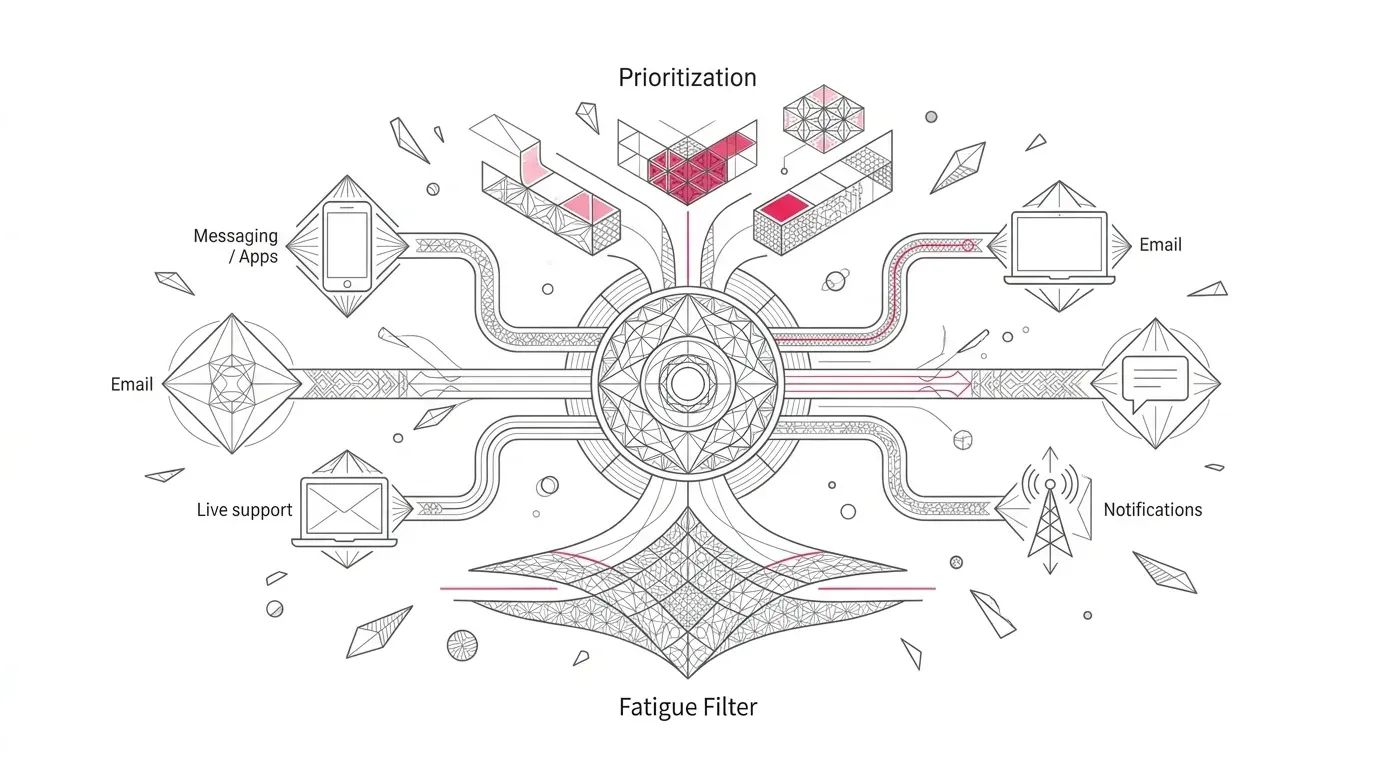
The dangerous accessibility backlog is not the stack of PDFs already on your website. It is the system that will generate tomorrow's PDFs from the same inaccessible templates.
Recipients of U.S. Department of Health and Human Services funding with 15 or more employees now have until May 11, 2027 to conform covered web content and mobile applications to WCAG 2.1 Level AA. Recipients with fewer than 15 employees have until May 10, 2028. HHS specifically cites community health centers, hospitals, and primary-care centers among affected recipients. [1] [2]
That extension creates planning time, not spare time. A hospital, health insurer, clinic, or human-services nonprofit may have thousands of documents spread across public websites, patient portals, mobile apps, vendor platforms, and departmental drives. If leaders treat each file as a one-off repair, the queue can grow faster than the team can remediate it.
The workable strategy has two tracks: make active legacy content accessible, and redesign recurring communications at the source so new output starts from accessible templates, structured data, controlled variants, and repeatable tests.
What The HHS Rule Means For Documents
The rule is not limited to page layouts and navigation. HHS defines conventional electronic documents as PDFs, word-processing files, presentations, and spreadsheets when they appear as web content or inside mobile apps. [3] In healthcare, that can include intake forms, care instructions, coverage notices, explanations of benefits, financial-assistance materials, consent information, appointment instructions, and program applications.
The technical target is WCAG 2.1 Level AA. Coverage depends on whether the organization receives HHS federal financial assistance and on the specific content, context, and exception. This article is an operating framework, not legal advice; counsel should confirm applicability.
Do Not Build The Plan Around An Exception
HHS describes exceptions for certain archived content, preexisting conventional electronic documents, individualized password-protected documents, third-party content, and preexisting social-media posts. But the conditions matter.
A preexisting document is not excepted merely because it is old. HHS says the exception does not apply if that document is currently used to apply for, gain access to, or participate in the recipient's programs or activities. Even where an exception applies, other Section 504 duties can still require effective communication, reasonable modifications, or an accessible format for an individual. [3]
Executive test
>
If a patient needs the document to obtain care, coverage, financial assistance, benefits, or participation, do not classify it as low risk solely because it predates the deadline or sits behind a login.
Use A Two Track Accessibility Program
Track One Remediate The Active Backlog
Start with documents that are public, high-volume, time-sensitive, frequently requested in an alternative format, or necessary to enter a program or make a healthcare decision. Preserve the source file, remediation record, test evidence, publication location, owner, and replacement date. Genuine archives can be classified separately after legal review.
Track Two Rebuild Recurring Output At The Source
Recurring documents deserve a different response. Fix the template, content model, rules, data mapping, and generation path rather than paying to repair every instance after generation. W3C's PDF guidance says correct reading order is simplest to establish in the authoring tool before conversion, although complex layouts can still need repair and verification. [5]
This is the central economic and operational distinction. Backlog remediation reduces existing exposure. Source-template modernization reduces the rate at which new exposure is created.
A 180 Day Plan That Leaves A Compliance Buffer
Days 0 To 30 Establish Ownership And Inventory
- Name one accountable executive and a working group spanning accessibility, legal, IT, digital, patient experience, communications, records, and procurement.
- Inventory document repositories and generation systems, including vendors, portals, mobile apps, content-management systems, print streams, and departmental tools.
- Record owner, audience, business purpose, format, monthly volume, source template, delivery channel, languages, data sensitivity, and whether the document is required to access a program.
- Create an exception register, but require evidence and an approval owner for every exception decision.
Days 31 To 75 Test And Prioritize
Sample the generated output, not just the blank template. Prioritize by customer consequence, volume, recurrence, complexity, and remediation effort. A low-volume historical report may be less urgent than a daily benefits notice that is necessary to appeal a decision.
Automated testing can accelerate discovery, but Section508.gov warns that checkers can miss problems or produce false positives. Manual testing remains necessary. [6]
Days 76 To 135 Rebuild High Value Templates
- Establish semantic headings, lists, tables, form labels, reading order, document title, language metadata, meaningful link text, and text alternatives in the source design.
- Separate content from layout so approved wording can be reused without copying inaccessible formatting.
- Test conditional sections, tables, charts, long names, missing values, multiple languages, right-to-left text, and channel-specific variants.
- Define approval rules for template changes and block release when critical accessibility tests fail.
Days 136 To 165 Integrate And Pilot
Connect the template to representative production-like data in a protected test environment. Generate a meaningful sample across common and edge cases. Validate the PDF, the portal or app experience around it, download behavior, alternative-format request path, and any email or SMS that leads the customer to the document.
Days 166 To 180 Verify Evidence And Rehearse Release
Run manual keyboard and screen-reader checks, fix defects, retest, record results, and rehearse rollback. The remaining weeks before May 11 should be a buffer for unresolved edge cases, supplier fixes, legal review, and high-risk backlog items, not the first time leaders see the inventory.
Nine Acceptance Tests For Generated Patient Documents
- Structure: headings, lists, paragraphs, and landmarks are programmatically represented and remain correct after personalization.
- Reading and focus order: content and form fields follow a logical sequence for screen-reader and keyboard users.
- Images and charts: meaningful visuals have useful text alternatives; decorative elements do not create noise.
- Tables and forms: headers, labels, instructions, required states, errors, and relationships are exposed correctly.
- Document identity: the title, default language, and any language changes are set and accurate.
- Visual access: text, contrast, spacing, zoom, and layout remain usable without hiding key information or controls.
- Data and rules: nulls, long values, conditional sections, page breaks, and dynamic tables do not break tags or meaning.
- Assistive-technology usability: representative users or trained testers can find, understand, complete, and submit the content.
- Evidence and regression: the organization retains the template version, sample output, test method, results, approver, release date, and retest trigger.
What A Document Generation Platform Must Prove
A platform demonstration should not stop at a polished template editor or an accessibility score. Use one real recurring document and require the vendor to show the complete path from source data to delivered output.
- Can business users create and maintain accessible structure without editing code?
- Which accessibility attributes survive conditional logic, personalization, pagination, translation, and batch generation?
- Can teams preview the experience exposed to assistive technology before release?
- What defects can the automated validator detect, and which require manual review?
- How are template versions, approvals, test evidence, exceptions, and rollbacks recorded?
- Can the platform produce representative outputs at operational volume without accessibility regressions?
- How does it integrate with portals, core systems, data sources, storage, and delivery channels?
- What happens when an accessibility issue is found after publication?
Where Perfect Doc Studio Fits
Perfect Doc Studio is positioned as a business-user document-generation and customer communication management platform. Its published capabilities include visual templates, conditional business rules, workflow automation, batch processing, integrations, and multilingual delivery. [9]
Its knowledge base also documents document-level accessibility settings, an accessibility validator with suggestions, Accessibility Preview, and summaries at document, block, and element levels. [10] Those are relevant building blocks for source-first accessibility.
They are not a compliance guarantee. A healthcare or nonprofit buyer should still test representative generated output with automated checks, manual inspection, keyboard navigation, and assistive technology. The POC should clearly distinguish what the platform enforces, what the author must configure, and what an independent accessibility review must verify.
The Executive Decision
Leaders should fund the deadline as a communication-production program, not a PDF cleanup exercise. The operating goal is straightforward: every high-risk recurring document has an accountable owner, an accessible source template, tested data and rule variants, controlled release, and evidence that the output works for people who use assistive technology.
That approach protects more than a deadline. It improves the reliability of patient communications, reduces repeated remediation, and gives technology and compliance leaders a reusable control model for every document change that follows.
Call to action
>
Bring one high-volume patient communication, its source data, business rules, language variants, and current accessibility findings to a Perfect Doc Studio demo. Ask the team to generate representative output and evaluate it against the nine acceptance tests before discussing scale.
Frequently Asked Questions
What is the HHS Section 504 digital accessibility deadline
Recipients of HHS federal financial assistance with 15 or more employees have until May 11, 2027 to meet the rule's WCAG 2.1 Level AA requirements for covered web content and mobile applications. Recipients with fewer than 15 employees have until May 10, 2028. [1] [2]
Are PDFs covered by the HHS rule
They can be. HHS includes PDFs, word-processing files, presentations, and spreadsheets in its definition of conventional electronic documents when they are web content or content in mobile apps. Applicability and exceptions depend on the document and its use. [3]
Are old patient documents automatically exempt
No. HHS describes a preexisting-document exception, but says it does not apply to documents currently used to apply for, gain access to, or participate in programs or activities. Other effective-communication duties may also remain. [3]
Does an accessibility checker prove compliance
No. Automated tools are useful for repeatable checks, but official Section 508 guidance warns that they can miss issues or report false positives. Manual and assistive-technology testing should be part of the evidence set. [6] [7]
Should organizations remediate PDFs or rebuild templates
Usually both. Remediate active legacy documents that customers need now, and rebuild high-volume recurring documents at the source so new inaccessible output is not continuously regenerated.