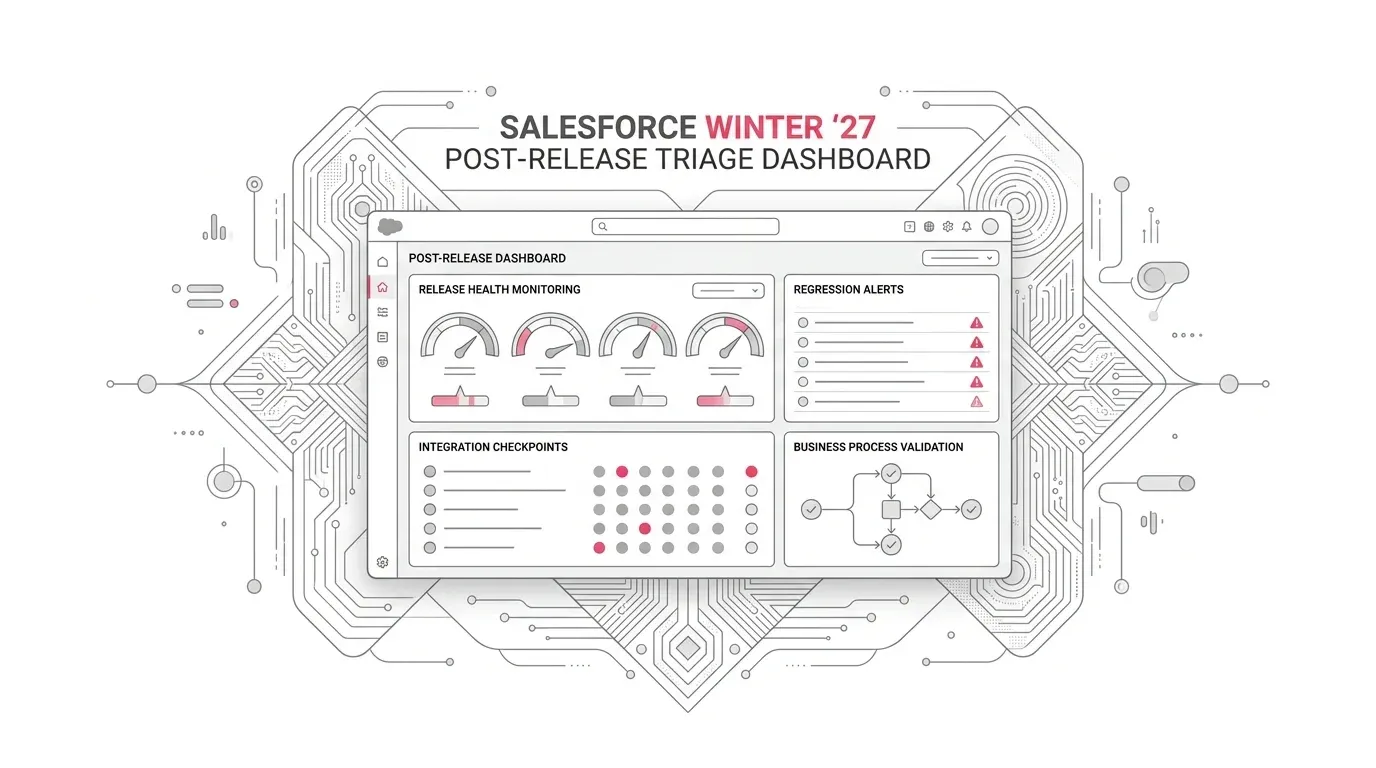
3. Full Article
Salesforce Winter ’27 is reaching its final production instances across October 9–10, 2026. Your exact window depends on your instance, so the first step is to confirm it in the Salesforce Maintenance Calendar rather than relying on a generic release date. Salesforce’s own guidance also makes an important distinction: the platform is tested for backward compatibility, but every customer org has a different combination of configuration, code, packages, data, permissions, integrations, and user behavior.
That means “Salesforce is available” and “our business is operating normally” are two different statements.
After a seasonal release, the most useful question is not whether every page loads. It is whether a donor can complete a contribution, a member can receive service, an underwriter can advance a submission, a care coordinator can manage a case, a seller can generate an accurate quote, and every downstream system receives the right data once.
Here is a practical 48-hour plan for producing that evidence.
Start With Outcomes, Not a Catalogue of Features
Release notes are essential, but they are not a test plan. A mature Salesforce org may contain hundreds of automations and integrations, so testing everything with equal depth is neither realistic nor useful.
Begin by ranking business journeys:
- Critical: A failure stops revenue, care, claims, regulated operations, customer access, or required evidence.
- Important: A failure materially slows employees or degrades service, but a controlled workaround exists.
- Supporting: A failure affects analytics, enrichment, recommendations, or convenience without stopping the core transaction.
- Optional: The capability can be disabled temporarily with limited business impact.
Salesforce’s Well-Architected reliability guidance uses a similar criticality model and emphasizes that platform status does not tell you how your own solution is performing. Your first release tests should therefore follow the transaction paths with the highest business consequence.
For a healthcare organization, that might be patient or member identity, case intake, consent, clinical routing, and outbound communication. For an insurer, it could be submission intake, document capture, referral, policy or claims handoffs, and broker communications. For a nonprofit foundation, it may be constituent updates, grant workflows, payment or disbursement interfaces, acknowledgements, and board reporting.
Hour 0–2: Confirm the Upgrade and Establish Control
Before troubleshooting, establish what changed and who is making decisions.
- Confirm the production instance’s completed maintenance in Salesforce Trust.
- Record the Salesforce release version and the time validation began.
- Review Release Updates in Setup for enforced, auto-enabled, due, and overdue changes.
- Check Trust for active incidents affecting the instance or dependent Salesforce services.
- Check Salesforce Known Issues for the affected product and release.
- Pause unrelated production deployments until the first critical tests pass.
- Name one incident lead and one business owner for each critical journey.
This prevents two common diagnostic errors: investigating a platform incident as if it were custom-code failure, and changing configuration while the underlying behavior is still being established.
Do not assume that a successful sandbox test closes the matter. A preview sandbox is the right place to detect release incompatibilities, but production can differ in data volume, integrations, permission assignments, managed-package versions, schedules, certificates, endpoints, and concurrency.
Hour 2–8: Run a Thin Test Through Every Critical Journey
The first pass should be broad and fast. Test one representative transaction through every critical journey, from the initiating user action to the final business outcome.
Identity and access
Validate at least one standard user, privileged administrator, integration user, and external or portal user where applicable. Confirm login, SSO, MFA, permission-dependent actions, delegated administration, and logout or session behavior.
Do not test only with a System Administrator. Release-related access changes often surface only under the effective permissions of a real persona.
Service and customer care
Create a case through each material intake channel. Confirm routing, queue assignment, entitlement or SLA logic, agent visibility, knowledge access, escalation, response, closure, and downstream survey or notification behavior.
For voice, chat, messaging, or Agentforce-assisted service, test both the happy path and the transfer to a human. Verify the transcript or activity reaches the system of record and that supervisors can see the operational metrics they actually use.
Sales and revenue
Move a representative opportunity through approvals and quoting. Recalculate pricing, generate the customer document, submit approval, place an order or contract where relevant, and reconcile money, quantity, dates, tax, status, and ownership at each boundary.
A visually correct quote is not enough if the downstream billing or ERP payload is incomplete.
Integrations and automation
Trigger every critical integration pattern: synchronous request, asynchronous job, platform event, scheduled flow, batch, middleware transaction, and file exchange where used.
For each test, capture:
- the initiating record or correlation ID;
- the outbound payload or event;
- the receiving system’s acknowledgement;
- the resulting Salesforce update;
- retries, dead letters, or error handling;
- final reconciliation against the intended business result.
A recent practitioner report about a Screen Flow date passed to an External Service illustrates the larger point: the value rendered in a user interface may not prove what crossed an integration boundary. That report is not evidence of a universal Winter ’27 defect, but it is a good reason to inspect typed values and raw payloads rather than relying only on screenshots.
Data, analytics, and AI
Confirm that scheduled ingestion, calculated insights, identity resolution, segments, activations, reports, and dashboards are current and complete. Check freshness timestamps and row counts, not merely whether a dashboard opens.
For Agentforce or prompt-driven workflows, run a small set of approved conversations and actions. Validate grounding, permissions, action selection, human escalation, output quality, latency, and consumption. A technically successful response can still be operationally wrong.
Hour 8–24: Test Failure Paths and Production Differences
Once the thin pass is green, deepen testing around the conditions most likely to differ from a sandbox.
Test realistic volume and timing
Look at peak-hour transaction rates, asynchronous queue depth, scheduled overlaps, record locking, API limits, and jobs that run only nightly or weekly. Salesforce’s reliability guidance explicitly notes that data volume and concurrency can expose behavior invisible in small development datasets.
Do not conduct unsanctioned load testing against production. Use production telemetry and approved test environments to validate capacity assumptions.
Test negative paths
Use a missing permission, invalid payload, unavailable downstream service, duplicate message, rejected approval, and timed-out request. Confirm that the process fails visibly, alerts the right owner, preserves recoverable data, and can be replayed without duplication.
Compare by persona and geography
For organizations in the USA and Europe, sample users across locales, time zones, languages, identity providers, and data-residency boundaries. Date, time, currency, translated content, and authentication behavior can look correct for one user and fail for another.
Reconcile business evidence
Technical logs answer “did code run?” Business reconciliation answers “did the right outcome occur?” Use both.
For each critical journey, record:
- expected and actual record counts;
- expected and actual amounts or quantities;
- required statuses and timestamps;
- messages sent and received;
- exceptions, retries, and unresolved records;
- named approval from the business owner.
Triage Failures Without Guessing
When a test fails, use a fixed order of operations.
1. Is Salesforce reporting an incident?
Check the affected instance and service in Trust. If the symptoms and timing match, preserve your evidence, follow the incident, and avoid speculative production changes.
2. Does a Known Issue match the behavior?
Search Salesforce Known Issues by product, feature, release, error text, and symptom. Review the status and workaround. Product-specific documentation, including Revenue Management’s Winter ’27 guidance, may aggregate relevant known defects.
A matching Known Issue does not remove your responsibility to assess business impact. Decide whether the published workaround is acceptable for your data, access model, and regulated processes.
3. Is the failure specific to your org?
Compare production with the preview test evidence and inspect:
- metadata or feature-setting differences;
- user, permission-set, sharing, and field-access differences;
- managed-package and component versions;
- API contracts and data types;
- endpoints, named credentials, certificates, and secrets;
- production data skew, volume, schedules, and concurrency;
- recent deployments made near the platform upgrade.
Change one variable at a time. Record the before state, remediation, retest result, and rollback path.
4. Is the test itself trustworthy?
Confirm that test data, expected results, credentials, mocks, and monitoring are current. A stale test can create a false alarm; a weak test can produce false confidence.
Hour 24–48: Close the Loop or Escalate
By the end of 48 hours, every critical journey should have one of four explicit states:
- Validated: The end-to-end outcome passed with retained evidence.
- Operating with a controlled workaround: The workaround, owner, affected scope, and expiry condition are documented.
- Degraded: The business impact and temporary controls are accepted by an accountable owner.
- Blocked: The process is stopped, escalated, and supported by reproducible evidence.
Your closeout should include a concise executive view: what was tested, what passed, what remains uncertain, current customer or financial exposure, the owner of each exception, and the next decision date.
Keep enhanced monitoring through at least one complete business cycle. Some failures only appear when a nightly integration runs, a weekly allocation is calculated, a monthly invoice is generated, or the first high-volume service period arrives.
What Senior Leaders Should Ask for on Monday
A release-readiness report should provide more than a list of completed test cases. Ask for:
- the critical business journeys covered;
- the personas, channels, integrations, and regions tested;
- objective reconciliation evidence;
- unresolved defects and workarounds;
- the difference between confirmed Salesforce issues and org-specific findings;
- monitoring coverage for delayed or silent failures;
- a clear owner and deadline for every exception.
For regulated or safety-sensitive workflows, obtain the appropriate privacy, security, clinical, legal, or compliance review. A technical validation plan supports those functions; it does not replace them or establish compliance.
Turn the Weekend Checklist Into a Release Control
The final lesson from Winter ’27 should not be a one-time spreadsheet. Convert today’s tests into a reusable suite tied to business outcomes, with stable test data, named owners, expected evidence, and severity thresholds.
Salesforce ships three major releases each year. The organizations that handle them well treat preview testing, production smoke testing, integration reconciliation, and post-release monitoring as one repeatable control.
Yuniq’s Salesforce services include managed support, Salesforce integration and consulting, proactive monitoring, and daily automated smoke testing and health checks. If your Winter ’27 validation uncovered fragile workflows—or if your team cannot yet prove that critical transactions work end to end—talk to Yuniq about building a focused production-assurance and remediation plan.