Salesforce has moved the full retirement of Salesforce for Outlook to November 1, 2026 . The updated retirement notice was published on September 16, replacing a previously stated December 2027 date. For an organization beginning work on September 22, that leaves 40 days.
The headline risk is simple: after retirement, the legacy application will no longer sync contacts, events, or tasks. Its side panel will stop connecting to Salesforce, and administrators will lose access to the Outlook Configurations page and its stored settings. Salesforce says previously synced Salesforce and Microsoft Outlook data will remain intact , but the operating capability and configuration interface will not.
The migration risk is less simple. Salesforce for Outlook, Outlook Integration, Einstein Activity Capture, Lightning Sync, and Microsoft's authentication changes are related, but they are not interchangeable. A rushed rollout that treats them as one product can preserve the icon while quietly changing sync behavior, reporting, privacy, or user workflows.
First, identify the product that is actually retiring
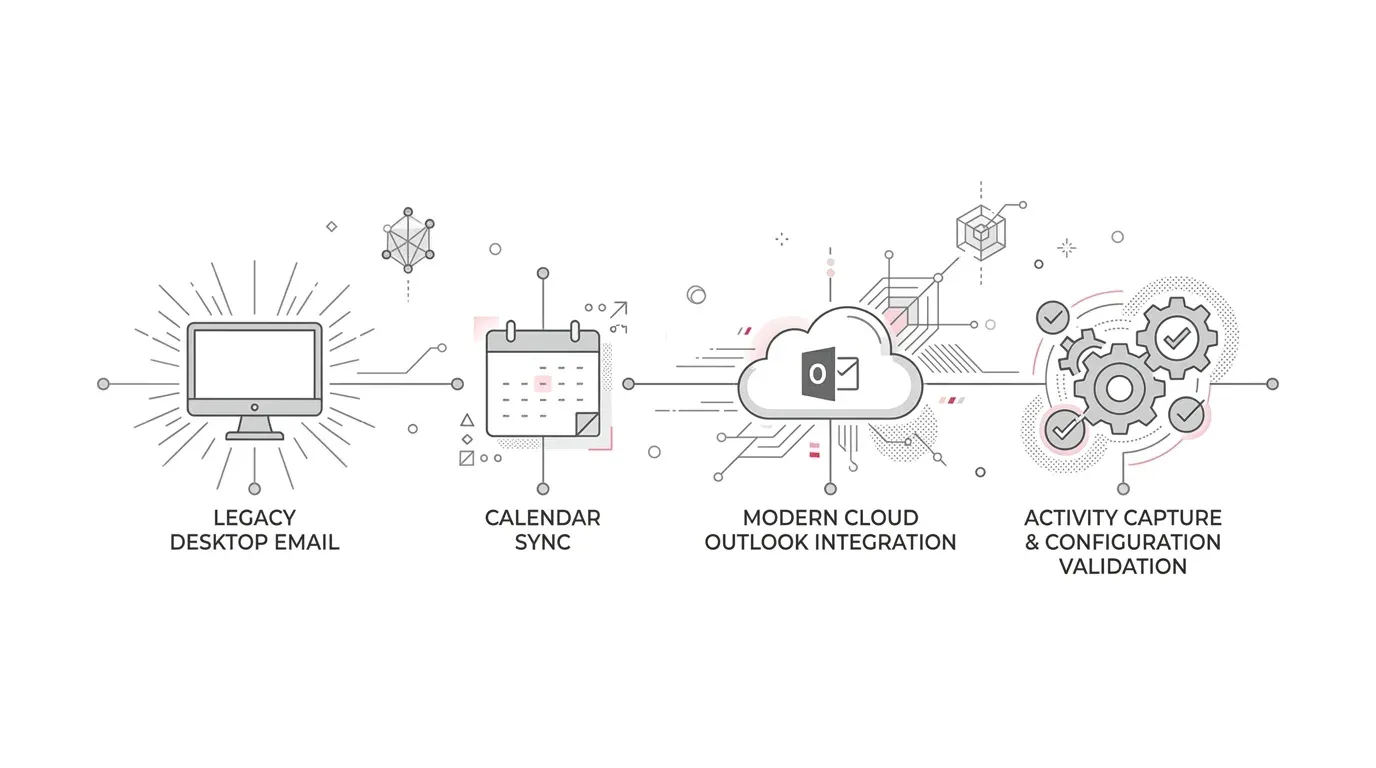
- Salesforce for Outlook is the older Windows desktop application. It was installed locally and could sync contacts, events, and tasks while displaying a Salesforce side panel in Outlook.
- Outlook Integration is the current Microsoft Office add-in. It gives users a Salesforce pane inside Outlook for viewing and updating records and manually logging email and activity. Salesforce recommends it as part of the replacement path.
- Einstein Activity Capture is a separate service for capturing email and syncing contacts and events. It is often deployed with Outlook Integration, but enabling the add-in alone does not reproduce every sync capability.
- Lightning Sync is another sync product with its own April 2027 retirement. It is not a permanent destination for this migration.
The first discovery task is therefore not “Do our users see Salesforce in Outlook?” It is “Which installed client, add-in, sync engine, configuration, and authentication path does each user population rely on?” Salesforce itself warns that multiple Microsoft integration products use side panels , so screenshots and product names should be verified rather than assumed.
Treat the new date as current, but document the inconsistency
Salesforce's September 16 retirement notice and its active-retirements list both show November 1, 2026. At the time of writing, several linked migration pages still display December 2027. That conflict does not justify waiting.
Program owners should record the URLs and access dates, open a Salesforce support case or seek written account-team confirmation where appropriate, and plan against November 1 unless Salesforce supplies a different org-specific instruction. This is operational risk management, not a legal interpretation of contract terms.
Do not assume the replacement is feature-equivalent
Salesforce recommends Outlook Integration and Einstein Activity Capture, but its own comparison documents several differences that can affect business processes:
- Tasks: the modern Outlook Integration can display and manage Salesforce tasks, but task sync and relating Outlook tasks to Salesforce records are not available in the same way.
- Custom fields: EAC does not sync Outlook fields to custom Salesforce fields. Organizations with custom mappings need a replacement process or an explicit decision to retire those mappings.
- Event attachments: Outlook event attachments do not sync into Salesforce through EAC.
- Deletes: deleting a contact in one system does not automatically remove it from the other in the same manner.
- Filters and user control: EAC offers different filter choices, and administrators control more of the sync configuration.
- Reporting and storage: capture behavior, Salesforce-record creation, retention, exportability, and reporting depend on configuration and licensing.
These are not edge cases for mature organizations. A custom contact field may drive territory assignment. A task may evidence a donor follow-up. An event attachment may contain an underwriting document. A captured email may feed an executive activity report. Each legacy behavior needs a business owner and an acceptance decision .
| Feature / Capability | Legacy Salesforce for Outlook | Outlook Integration + Einstein Activity Capture | Migration Impact & Architectural Mitigation |
|---|---|---|---|
| Architecture & Deployment | Installed Windows desktop application (.exe) | Cloud Office add-in + cloud-based EAC sync service | Requires Microsoft Centralized Deployment & tenant consent |
| Contact Synchronization | Bidirectional or directional contact sync | Automated cloud contact sync via EAC | Configure explicit EAC sync directions and duplicate rules |
| Event Synchronization | Bidirectional event sync with attachments | Event sync via EAC; event attachments do NOT sync | Store event attachments in files/notes or manual logging |
| Task Synchronization | Bidirectional task sync with Outlook tasks | Task sync unavailable; task management viewable only in side pane | Transition task management directly into Salesforce or Flow |
| Custom Field Mappings | Supported custom field sync between Outlook & Salesforce | Unsupported; EAC syncs only standard contact/event fields | Redesign business logic or retire custom Outlook mappings |
| Side Panel & Email Logging | Legacy side panel with manual email add | Modern Outlook add-in pane with record creation & manual logging | Rebuild side-panel publisher layouts and quick actions |
| Deleted Records Handling | Deletion in Outlook could trigger Salesforce deletion | Contact deletion does not mirror automatically across systems | Establish operational guidelines for contact archival |
| Reporting & Activity Records | Synced as standard Task and Event records in Salesforce | Captured activities stored in AWS off-core unless standard sync enabled | Align to standard Activity records ahead of Spring ’27 EAC deprecations |
A six-stage plan for the 40-day window
1. Establish exposure in 48 hours
Create a named owner and a cross-functional team that includes Salesforce, Microsoft 365 or Exchange, security/privacy, sales or service operations, and support.
Inventory the estate across key operational areas:
- users assigned to Salesforce for Outlook configurations;
- installed-client evidence from endpoint-management tools;
- active sync directions for contacts, events, and tasks;
- side-panel layouts and actions;
- custom field mappings and filters;
- unresolved items, exceptions, and known support workarounds; and
- integrations, reports, automations, and downstream processes that depend on activity data.
Before access disappears, retain the details in each Outlook configuration. Salesforce explicitly recommends preserving those settings even if an organization does not complete replacement before retirement .
2. Segment users by required outcome
Avoid one global answer for every employee. A useful segmentation is:
- users who only need the Outlook side panel and manual email logging;
- users who need automated email capture;
- users who need contact sync;
- users who need event sync;
- users dependent on task sync, event attachments, or custom-field mappings;
- regulated or sensitive roles needing tighter capture exclusions and retention controls; and
- shared-mailbox, delegated-mailbox, on-premises Exchange, hybrid, or government-cloud users.
This separates a straightforward add-in deployment from the populations that need architecture or process changes.
3. Select replacement behavior, not merely replacement products
For each segment, decide whether the target is:
- Outlook Integration only, with deliberate manual logging;
- Outlook Integration plus EAC capture;
- Outlook Integration plus EAC contact or event sync;
- a custom integration or revised business process for unsupported legacy behavior; or
- temporary manual continuity after November 1 while a complex population is remediated.
Also design reporting for the next architecture. Salesforce announced on September 8 that Activity 360 Reports, the Activities Dashboard, Activity Metrics, and Recommended Connections retire in Spring ’27 . New migration work should not create a fresh dependency on those retiring features. Salesforce is directing customers toward standard Activity records and standard reporting.
4. Complete Salesforce and Microsoft prerequisites
Salesforce documents separate responsibilities for the Salesforce administrator, Exchange administrator, and Outlook user. The modern add-in can be distributed centrally through Microsoft, but Microsoft Centralized Deployment can take 24 to 72 hours, so deployment latency belongs in the schedule.
Confirm the technical and identity baseline:
- supported Salesforce editions and licenses;
- supported Outlook, browser, Exchange, and operating-system versions;
- SSO, My Domain, session, cookie, and browser-tracking behavior;
- add-in distribution and Microsoft tenant consent;
- EAC connection method, user scope, capture exclusions, sync direction, filters, and retention; and
- data-residency, privacy, legal-hold, and records-management review where required.
Microsoft's Nested App Authentication transition is a separate dependency for the modern Outlook Integration. Salesforce's August 18 guidance says Microsoft 365 administrators must perform the relevant tenant actions; a Salesforce admin cannot complete them alone.
5. Pilot with evidence, then cut over in cohorts
Test with representative users and real business scenarios, not only a successful login. Acceptance should cover:
- pane access and record search;
- manual email and attachment logging;
- contact and event sync in every required direction;
- recurring events, private events, shared mailboxes, and delegated access where used;
- duplicate detection and unresolved-item handling;
- custom field, task, and attachment replacement workflows;
- expected reporting and automation behavior;
- capture exclusions, deletion, retention, and user offboarding;
- desktop, web, Mac, virtual-desktop, and supported browser combinations in scope; and
- support recovery when authentication or sync fails.
Cut over by cohort. Salesforce recommends deactivating Salesforce for Outlook configurations before enabling overlapping EAC sync for the same users. That ordering helps avoid duplicate records and difficult-to-diagnose product conflicts.
6. Prove continuity after retirement
Define a short hypercare window through and beyond November 1. Monitor:
- add-in activation and sign-in success;
- users connected to EAC versus licensed and intended populations;
- contact and event sync delay and errors;
- duplicate or unmatched records;
- email and event capture volumes;
- missing reports or automation inputs; and
- help-desk contacts by user cohort and failure type.
Closure should require evidence that critical workflows work without the old client, not simply confirmation that the new add-in was deployed.
Industry-specific implications
Healthcare
Clinical outreach, referral coordination, payer communication, and patient-service scheduling can place sensitive information in email and calendar activity. Migration design should involve privacy, security, and records-management reviewers; define what should be captured or excluded; and test user termination, deletion, retention, and shared-mailbox behavior. Salesforce documents license- and configuration-dependent EAC retention , so teams should validate the target design rather than assume every captured activity becomes a permanent standard Salesforce record.
Insurance
Producers, brokers, adjusters, and account teams may depend on Outlook tasks, event attachments, contact mappings, or shared mailboxes. Because several of those behaviors differ in the replacement stack, owners should test policy-service, claims, renewal, and handoff workflows end to end. The operational question is not just whether an email appears in Salesforce, but whether the activity supports the next decision and remains reportable.
Nonprofit foundations
Lean teams may rely on Outlook categories, tasks, and contact sync for donor stewardship, grantee communication, and board or program coordination. A rushed “enable it for everyone” rollout can produce duplicates or remove familiar controls. Prioritize the user populations tied to time-sensitive donor and program commitments, then simplify lower-risk workflows where exact legacy parity is not worth the cost.
These examples are operational guidance. Privacy, records, and regulatory decisions should be reviewed by qualified internal or external specialists.
What leaders should ask this week
- Can we prove which users still run Salesforce for Outlook, rather than the modern Outlook Integration?
- Have we exported or documented every Outlook configuration before the settings page disappears?
- Which legacy behaviors are business-critical, and which are merely familiar?
- Where do task sync, custom fields, event attachments, or deleted-contact behavior require a new process?
- Have Salesforce and Microsoft 365 owners agreed on identity, consent, deployment, and support responsibilities?
- Are we building on standard Salesforce Activity records instead of EAC features that retire in Spring ’27?
- What is the manual continuity plan if a complex user cohort is not ready by November 1?
A focused next step
YuniQ's Salesforce team provides consulting, implementation, integration, customization, migration, and ongoing support. For organizations exposed to this deadline, the most useful first engagement is a rapid Salesforce for Outlook continuity assessment: identify affected users and configurations, map replacement gaps, define the Salesforce and Microsoft work plan, and validate a pilot before cohort rollout.
Where legacy application modernization or broader cross-platform data synchronization touches enterprise architecture, aligning with modern cloud integration patterns ensures resilient user productivity.
Accelerate Your Salesforce Outlook Migration
Do not wait for the November 1 retirement to discover broken contact, calendar, or task workflows. Partner with YuniQ to assess your active configurations, coordinate Microsoft 365 deployment, and execute a seamless cutover.
Explore Salesforce Migration Services